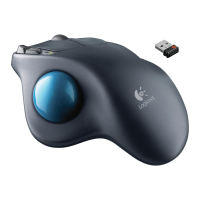
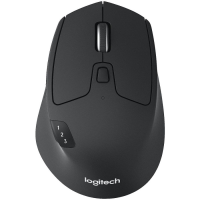
M720 Triathlon Mouse
CONEXIÓN MEDIANTE
Requisitos:
Puerto USB
Software Unifying
Windows 7, 8, 10 o posterior
Mac OS X 10.10 o posterior
Chrome OS
Cómo conectar mediante Unifying:
1. Descarga el software Unifying:
http://support.logitech.com/software/unifying
2. M720 debe estar encendido y tener un receptor Unifying
conectado.
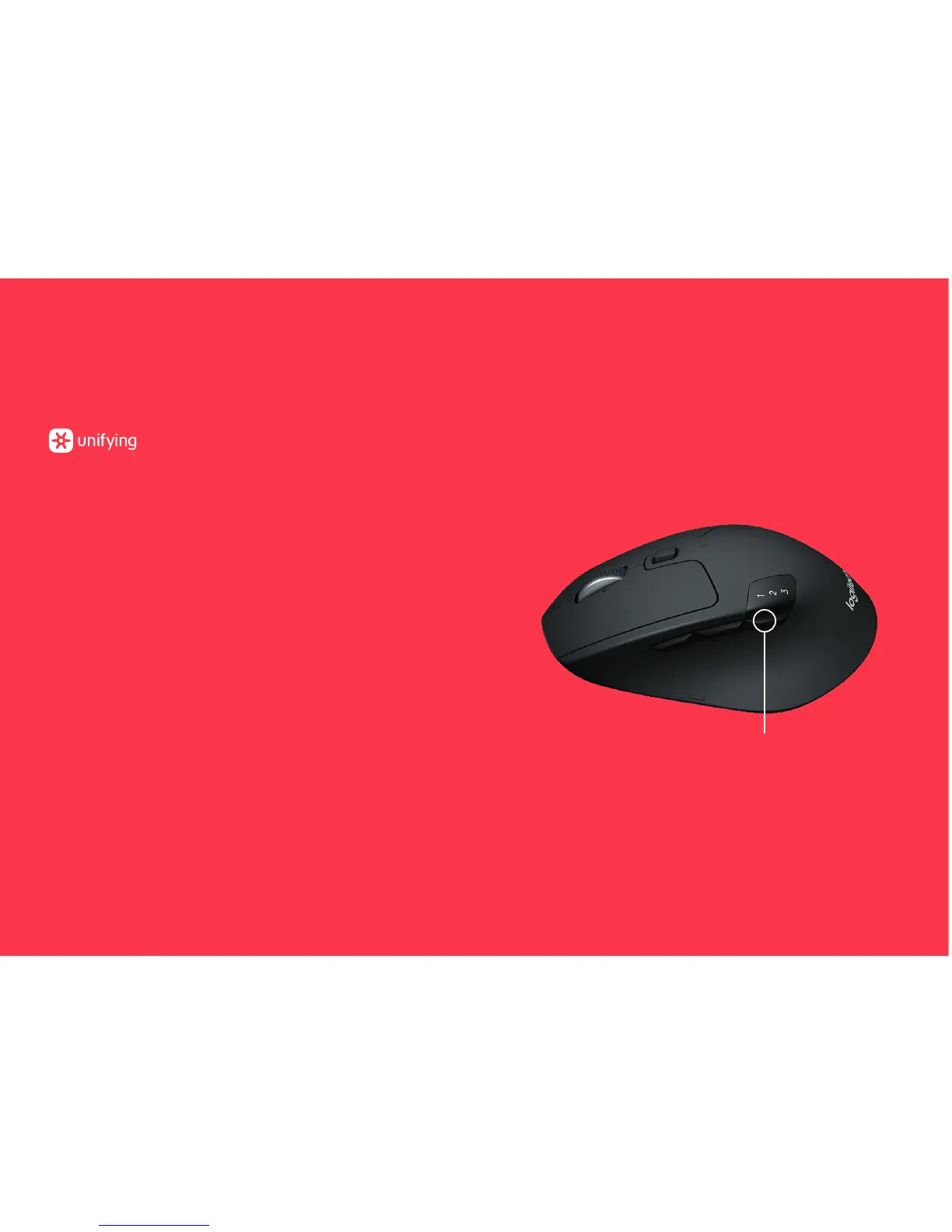
3. Mantén pulsado durante tres segundos el botón
alternante situado debajo del botón 1 2 3
(el LED del canal seleccionado empezará a emitir
destellos rápidos).
4. Abre el software de la utilidad Unifying y sigue
las instrucciones en pantalla.
Reemparejamiento en Unifying
Nota: Se necesita el software Unifying para emparejar
el mouse a un segundo receptor, o para emparejar el mouse
a otro canal en el receptor existente.
Los tres canales Easy Switch deben emparejarse mediante
Bluetooth Smart o Unifying. Con el producto se incluye
un receptor Unifying.
Botón alternante


 To Next Page