
 Need help?
Do you have a question about the Logitech S150 and is the answer not in the manual?
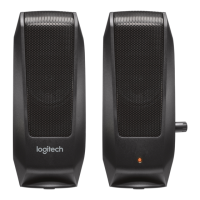
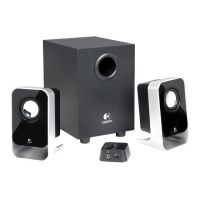
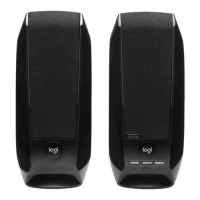
Details the physical characteristics and location of the left speaker unit.
Details the physical characteristics and location of the right speaker unit.
Explains the USB-A connection for both power and audio signal input.
Identifies the volume up, volume down, and mute buttons on the speaker unit.
Procedure for connecting the USB-A cable to your device for power and audio.
Description of the orange light signal on the right speaker when powered on.
How to increase or decrease the volume using the '+' and '-' buttons.
Instructions for using the middle button to mute and unmute the audio.
Details the physical characteristics and location of the left speaker unit.
Details the physical characteristics and location of the right speaker unit.
Explains the USB-A connection for both power and audio signal input.
Identifies the volume up, volume down, and mute buttons on the speaker unit.
Procedure for connecting the USB-A cable to your device for power and audio.
Description of the orange light signal on the right speaker when powered on.
How to increase or decrease the volume using the '+' and '-' buttons.
Instructions for using the middle button to mute and unmute the audio.

 To Next Page
 General