Need help?
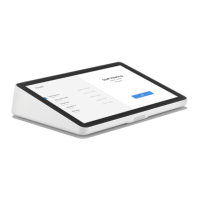
Do you have a question about the Logitech TAP and is the answer not in the manual?
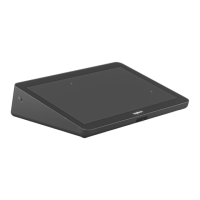
Place the Tap controller screen down on a protective cloth.
Undo the two thumbscrews to access the device interior.
Connect USB, Power, and HDMI cables, and route them appropriately.
Replace the cover and secure it using the thumbscrews.
Connect the USB-C cable from the Tap to the room computer.
Power on the connected PC to activate the system.
Place the Tap controller screen down on a protective cloth.
Undo the two thumbscrews to access the device interior.
Connect USB, Power, and HDMI cables, and route them appropriately.
Replace the cover and secure it using the thumbscrews.
Connect the USB-C cable from the Tap to the room computer.
Power on the connected PC to activate the system.
 General
| Brand | Logitech |
|---|---|
| Model | TAP |
| Category | Controller |
| Language | English |

 To Next Page