EasyManua.ls Logo

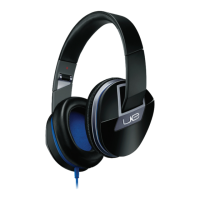
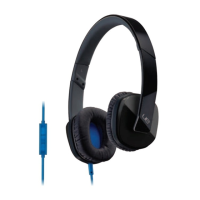
Logitech UE 4000 - User Manual

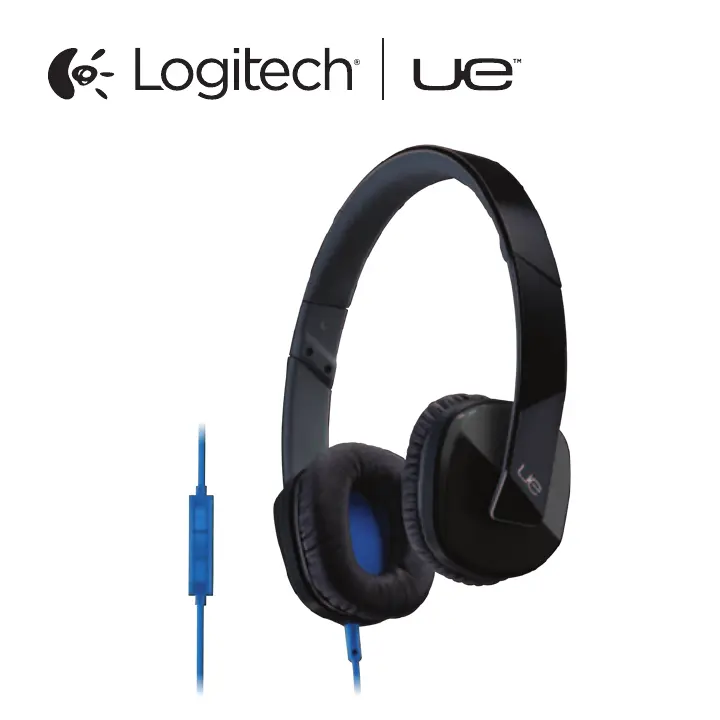
Logitech UE 4000
16 pages
Print Icon
To Next Page IconTo Next Page
Loading...
Setup Guide
UE 4000

Questions and Answers

  • Z
    Zachary SantosJul 28, 2025
    How to fix Logitech UE 4000 with no sound?
    • R
      Rebecca HermanJul 28, 2025
      If your Logitech Headphone has no sound or faint sound, ensure the cable connector is fully inserted into the headphone jack. Also, check the cable attachment to the headphones. Try increasing the headphone volume and checking the volume in your media application. Restarting the media application might also help. Finally, make sure the straight connector is attached to the headphones, and the angled connector is attached to your audio source.

Summary

Know Your Product

Set Up Your Product

Visit Product Central

Access online resources for setup, tips, and software information.

Troubleshooting

No Sound or Faint Sound

Steps to resolve issues with no or low audio output from headphones.

Headphones Not Working with Computer

Guidance on configuring audio settings for computer compatibility.

Logitech UE 4000 Specifications

General IconGeneral
Cable length1.3 m
Headset typeBinaural
Product typeHeadset
Product colorPurple
Wearing styleHead-band
Recommended usageGaming
3.5 mm connectorYes
Connectivity technologyWired
Impedance32 Ω
Driver unit40 mm
Magnet type-
Ear couplingSupraaural
Headphone frequency20 - 20000 Hz
Headphone sensitivity105 dB
Microphone frequency100 - 10000 Hz
Microphone sensitivity-42 dB
Microphone connectivity3.5 mm
CompatibilityiPod, iPhone, iPad, Smartphones, Tablet PC, Portable MP3/media players
Dimensions (WxDxH)168 x 62 x 178 mm
Cables includedAudio (3.5mm)
Weight and Dimensions IconWeight and Dimensions
Weight130 g

Related product manuals