12 English
Logitech
TM
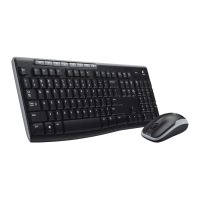
Wireless Desktop MK300
Keyboard features: F-keys
To enjoy all the features of your keyboard or to customize it to suit
your needs, please install the Logitech
™
SetPoint Software that comes
with your product.
User-friendly enhanced F-keys let you easily launch applications or
control your music. To use the enhanced functions (gray icons),
press the key and the F-Key
'O
you want to use simultaneously.
1st - Press and
hold the Fn key
2nd - Press an F-key






 To Next Page