Cleaning kit LogoClean Plastic
Contents and Operating instructions
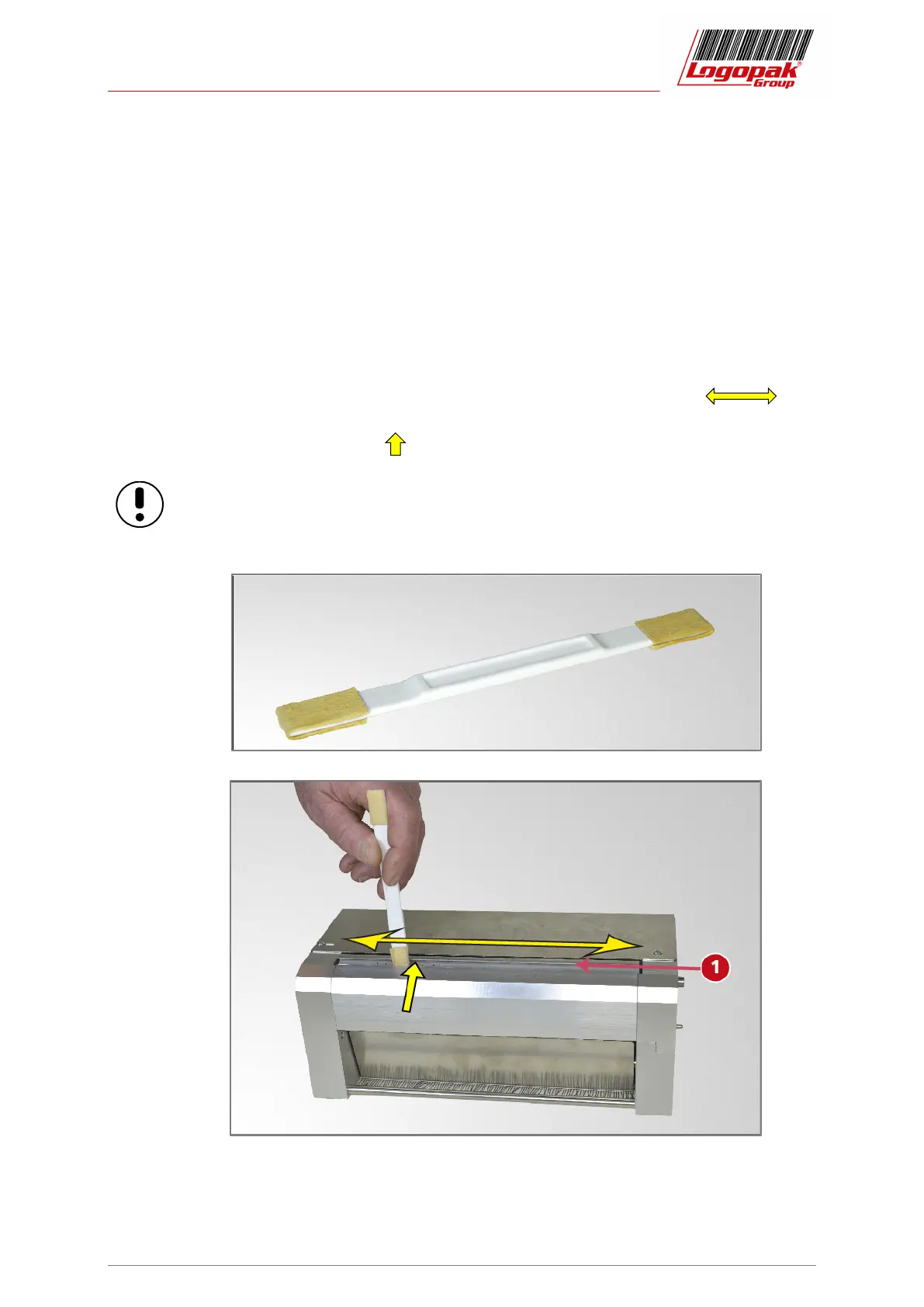
Cleaning sticks
Status: 2020-03-319-09 7
5 Cleaning sticks
Cleaning sticks, plastics, w =12 mm / ½” 10001142
For cleaning the print head in the print engine.
• Moisten the leather facing of the cleaning stick with LogoClean.
• Stroke the cleaning stick over the print head in the specified direction un-
til the soiling has been removed.
• Use a little pressure on the print head.
Cleaning can also be carried out in the installed condition.
When doing so, switch off the system and remove the label material!


 To Next Page