GB. 35
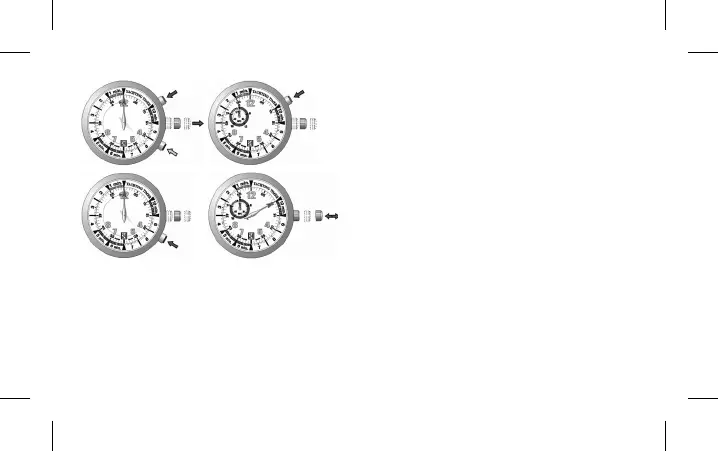
Reset of the small counter hand at 10H:
• Pull the crown to position 2, and let it stay for minimum
1 second. Press A or B, the central hand advances fast
and stops (not necessarily pointing to “12”).
• Press A step-by-step to adjust the small counter hand
at 10H to rest at “0” (“60”).
Reset of the central counter hand:
• Press B step-by-step or constantly to adjust the central
hand to rest at “12”.
• Exit from the mode of initialization automatically when
the crown is pushed to position 1 or pulled to position 3.
The central hand turns automatically and rests at “10
min.” position, or at the position pre-set previously if the
battery has not been changed.
B
B
AA



 To Next Page