EN
INTRODUCTION
This device is operating on the principle "Plug and Play". Please connect or
insert necessary device with correct port.
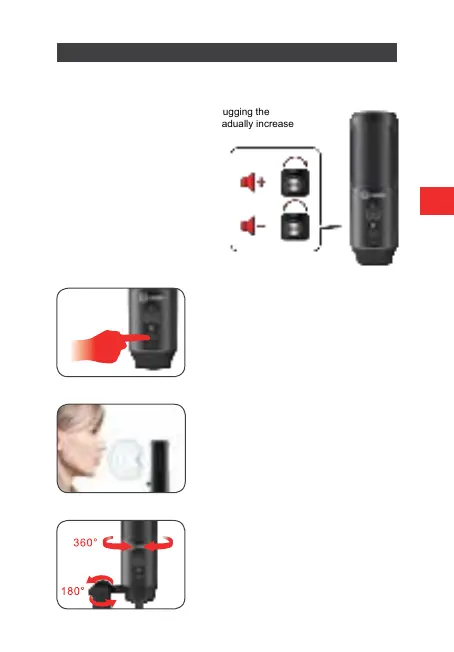
Please turn the volume down when plugging the
microphone into the USB port, and gradually increase
the volume to an ideal level.
Press the mute button to turn the mute
option on. The indicator will turn red.
Screw the mount to adjust the shock mount
angle 180° vertically and screw the metal
ring to adjust the microphone angle 360°
horizontally.
Make sure the front of the microphone
points towards your mouth.
Volume up:
Clockwise (Turn right)
Volume down:
Counter-clockwise (Turn left)
The indicator will be green
after plugging to the computer.



 To Next Page