maXim S & M Utilities
Operator Manual V3
LSC Lighting Systems (Aust) Pty. Ltd Page 41
Enter diagnostics mode (above) then press red
bank [f/a] (6).
The maXim will test both directions of
communication between the connectors and
report the condition.
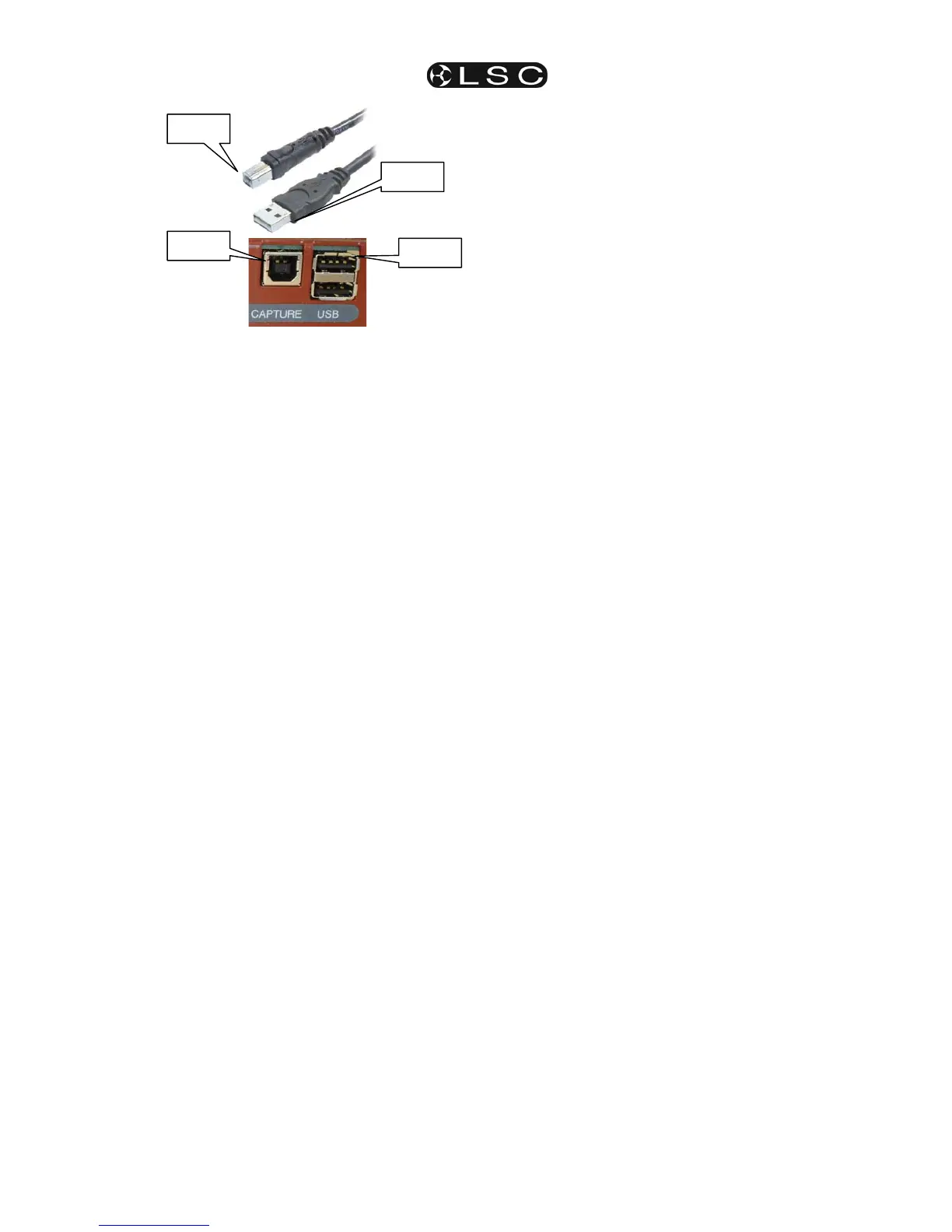
Remove the plug from the top USB connector and
place it in the bottom USB connector then press
red bank [f/a] (7).
The maXim will test both directions of
communication between the connectors and
report the condition.
To finish press; [ok]
18.8.6 BATTERY TEST
Enter diagnostics mode (above) then press red
bank [f/a] (5).
The display will show the battery voltage.
It should be between approximately 5.8 and 6.4
volts. Press [ok].
The display will show the state of the battery as
either, charging or charged.
To exit, press [ok].
18.8.7 SYSTEM ERROR
INFORMATION
Enter diagnostics mode (above) then press red
bank [f/a] (10).
The window pops up on the video screen show
showing any system error information. In the
event of any problems, this information can be
conveyed to LSC to assist in fixing problems.
To exit, press [ok].
18.8.8 MEMORY TEST
Enter diagnostics mode (above) then press red
bank [f/a] (12).
The display will show the percentage of memory
used.
Press [ok].
The display will show the percentage of heap
used. (Technical maintenance use only).
Press [ok].
The display will show the memory capacity fitted
to the maXim.
To exit, press [ok].
To exit diagnostics mode press [no].
USB B
USB A
USB B
USB A


 To Next Page