Chapter 8. XGT Panel S/W Update
8-1
Chapter 8 XGT Panel S/W Update
8.1 General Introduction
It describes the function for updating the XGT Panel software.
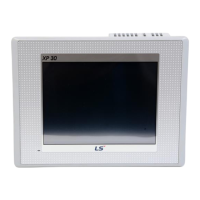
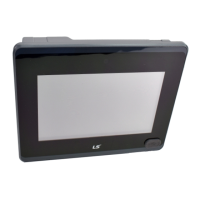
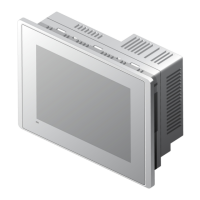
New function is added to XGT software, you need to update a version of XGT Panel
Please refer to the following.
[Method]
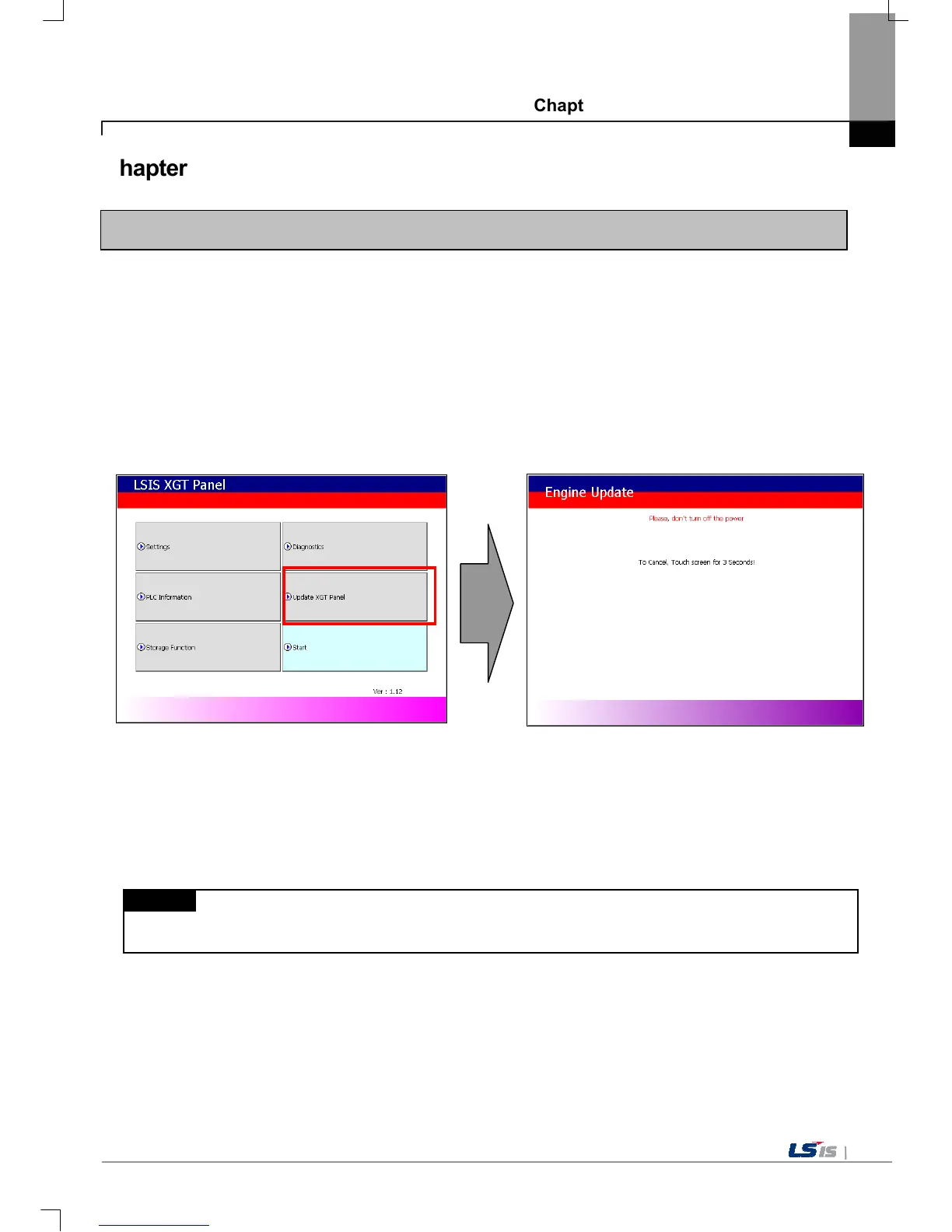
Select [Upgrade -> Update XGT Panel] on the XGT Panel’s main screen. Then XGT Panel becomes update mode. In order
to return to the main screen, touch a screen for 3 seconds.
After downloading XGT Panel software from LSIS website, make a temporary folder and save it.
Designate the folder where the software will be saved in the XP-Builder’s [XGT Panel Update] windows and update XGT
Panel by [Send] menu. For more detailed information about XP-Builder, please refer to the XP-Builder user manual.
Remark
Do not remove communication cable or turn off the device during updating. It may cause the malfunction.


 To Next Page