Installation
- 18 -
MXD75 Installation Guide
Installation
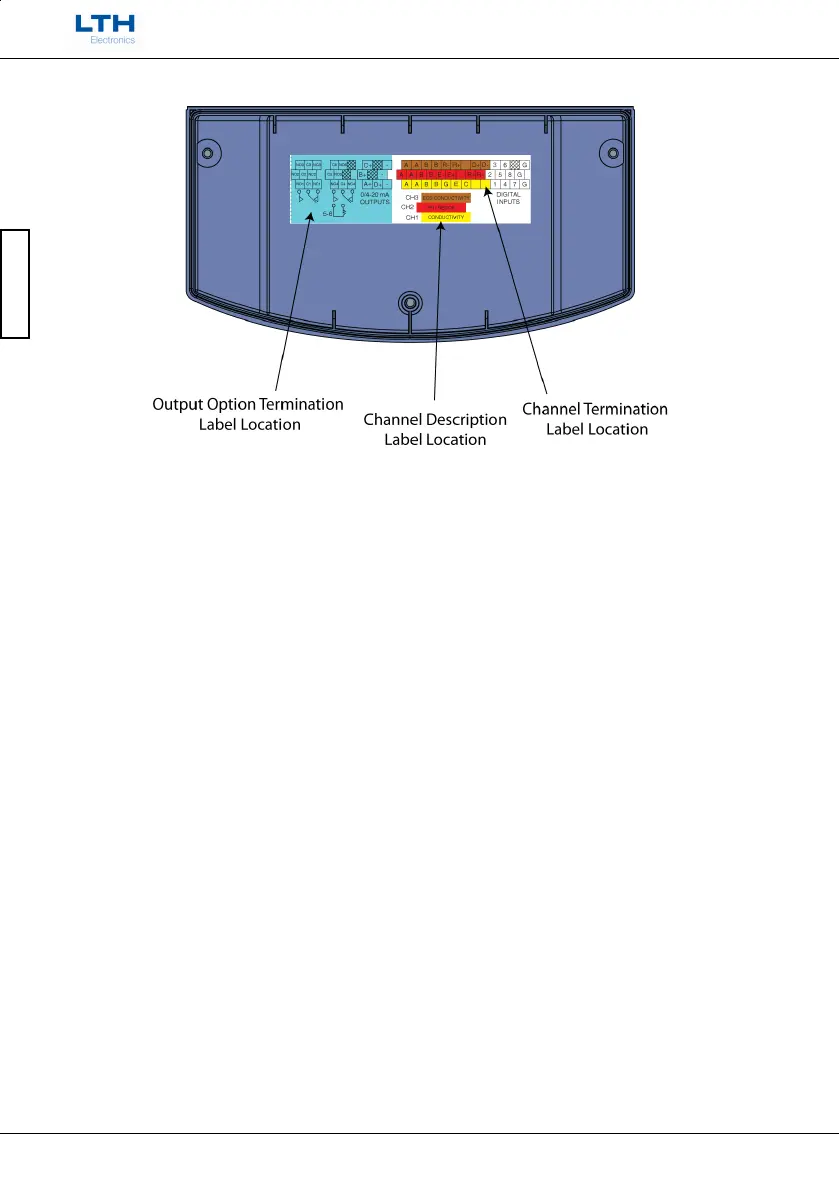
Supplied Terminal Cover Label Locations
Next reassemble the instrument case, ensuring all of the o-rings are in place on the back of
the case and all of the screws are re-inserted. Connect the power (see Supply Voltage
Connections section) and check that all of the new cards have been recognised by the
instrument.
Now consult the appropriate wiring section for details of how to connect the sensors and
outputs.



 To Next Page