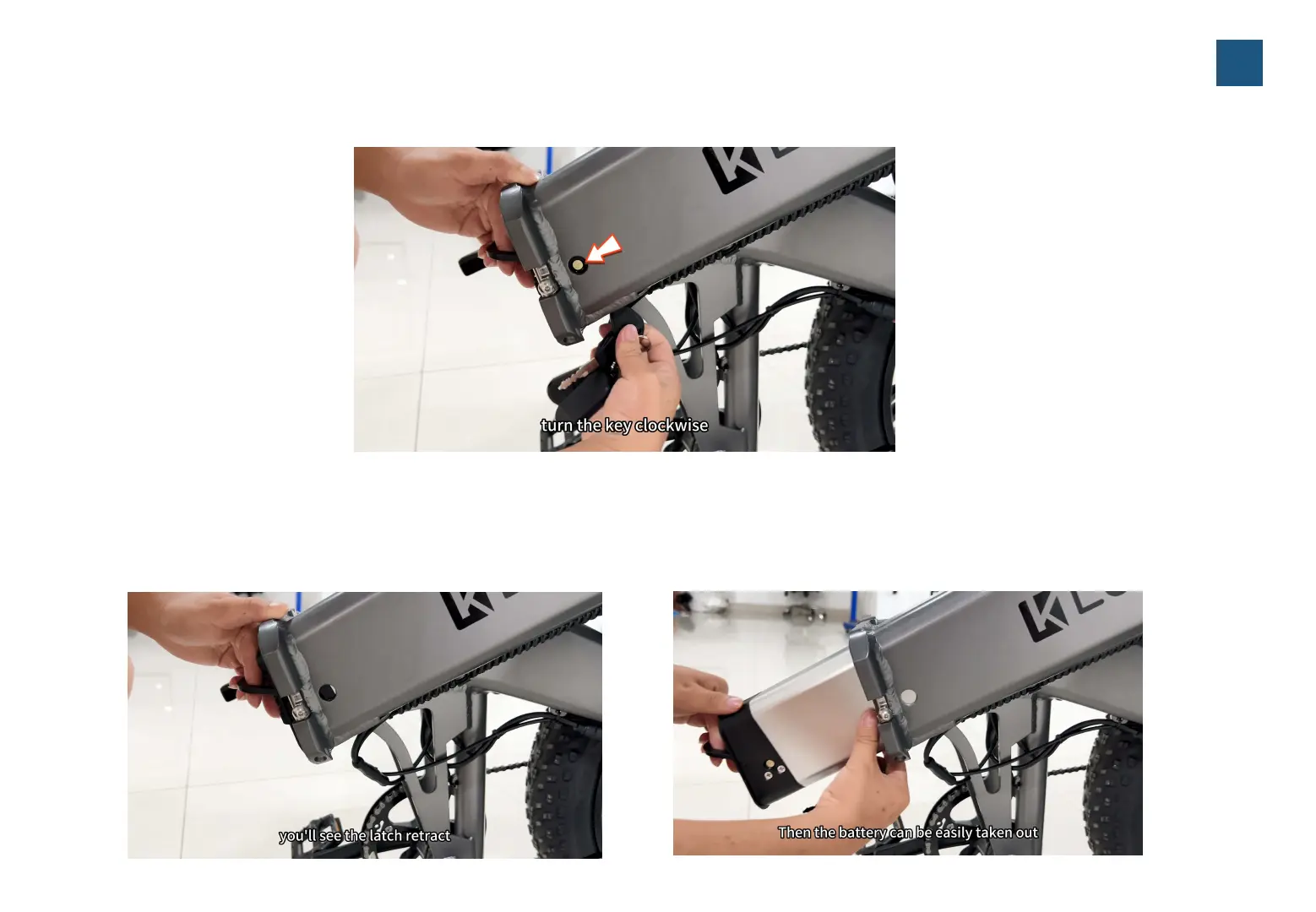
4.Hold the handle of the battery with one hand at all times, then pull out the battery key with the other hand,
and then slowly remove the battery with both hands, please be sure to be careful to prevent the battery from
fa
lling down.
3.I
nsert the key into the battery lock, hold and pressing the key a bit until twist clockwise to the end
(
Note:
Y
ou can only remove the battery when the lock lever is fully inside the lock
)
.
10



 To Next Page