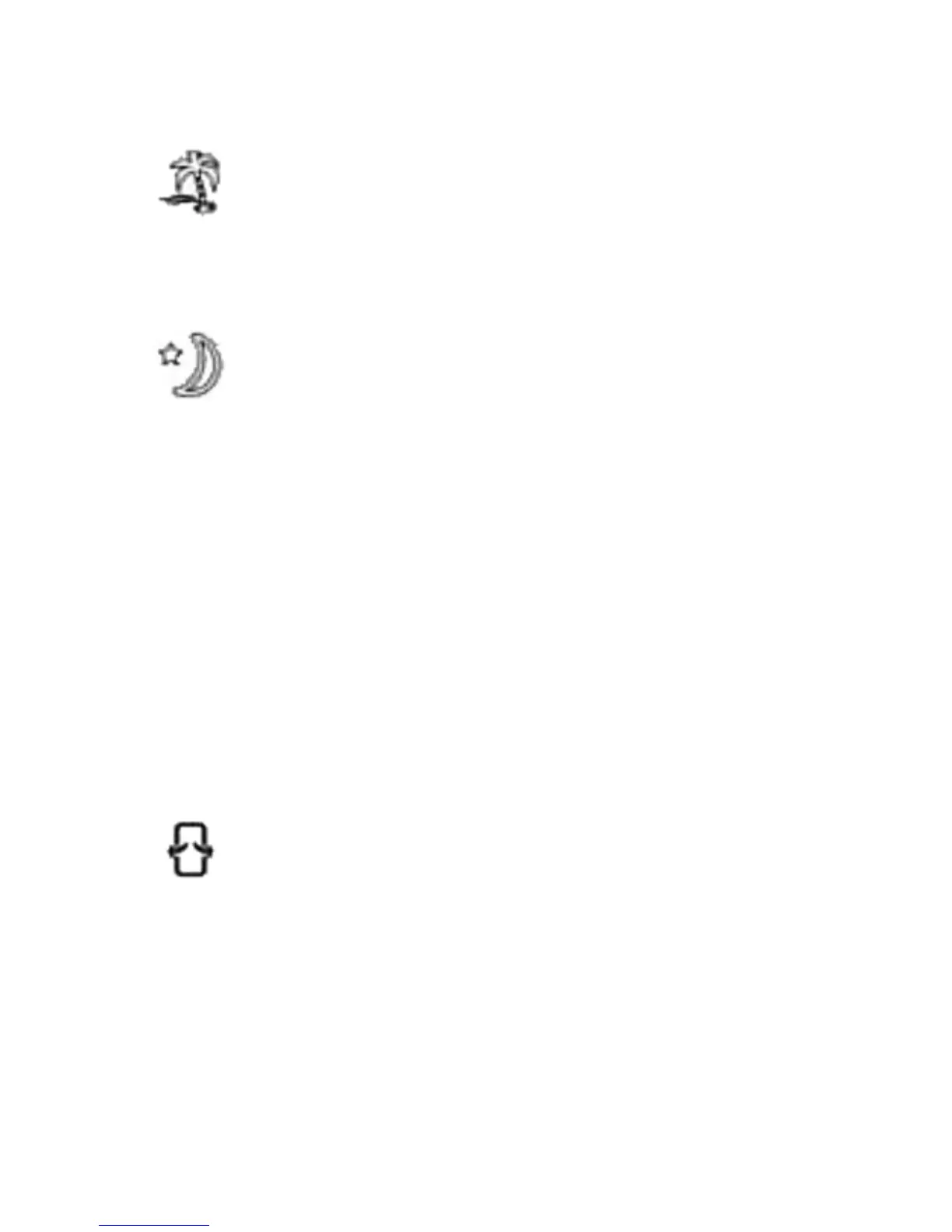
Natural Mode – Indicated by the palm tree icon on the
display panel, this setting will automatically vary the
airflow speed between low, medium and high.
Sleep Mode – Indicated by the moon icon on the display
panel, this setting will gradually lower the speed at
different intervals, depending on the selected fan speed. If
the fan speed is set to 3, the cooler will run for 30 minutes
on high speed, 30 minutes on medium speed, and then
continue to operate on low speed. If the fan speed is set to
2, the cooler will run for 30 minutes on medium speed and
then continue to operate on low speed. If the fan speed is
set to 1, the cooler will continuously run on low speed.
TIMER Button
This evaporative cooler is equipped with a 7.5 hour programmable timer. To
set the timer, press the TIMER button. Each press of this button will add 0.5
hours to the set time.
The set time will be indicated in the middle of the display panel.
SWING Button
To activate the oscillation feature, press the SWING button.
The fan head will automatically move from side to side,
which increases air circulation and distributes air more
evenly.


 To Next Page