To set the Date or Time with Screw-Down Crowns: Setting the date and time with a screw
down crown watch is the same as above; however to pull out the crown you must first “unscrew”
the crown by turning it in a counter clockwise direction until the crown releases from the threaded
tube. After adjusting the date and/or time, push the crown in and screw down in a clockwise direc-
tion until the crown is sealed in a tight position to ensure water resistance.
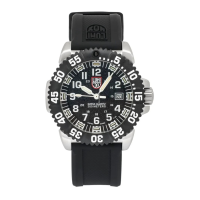
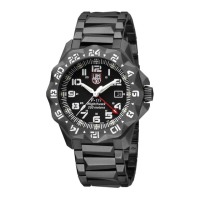
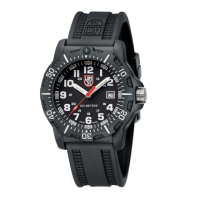
To use the Diving Bezel (uni-directional): Rotate the bezel counter clockwise until the 0 on the
bezel lines up with the minute hand. Track elapsed time by checking the minute hand against bezel
numbers, not the dial numbers.
Note: For night timing, set the 0 on the bezel at the desired number of elapsed minutes from the
minute hand position. Although the numbers will not be counting down, the 0 mark is the point to
which you are moving. Diving bezels are meant to turn counter clockwise only. Never force the
bezel to rotate clockwise.
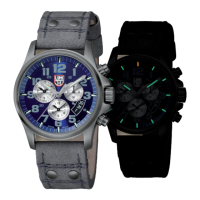
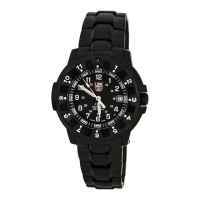
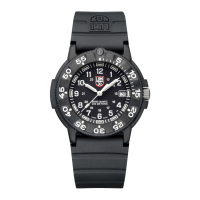
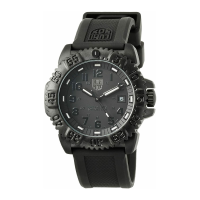
Note: Not all Luminox watch models will have a diving bezel.






 To Next Page