2
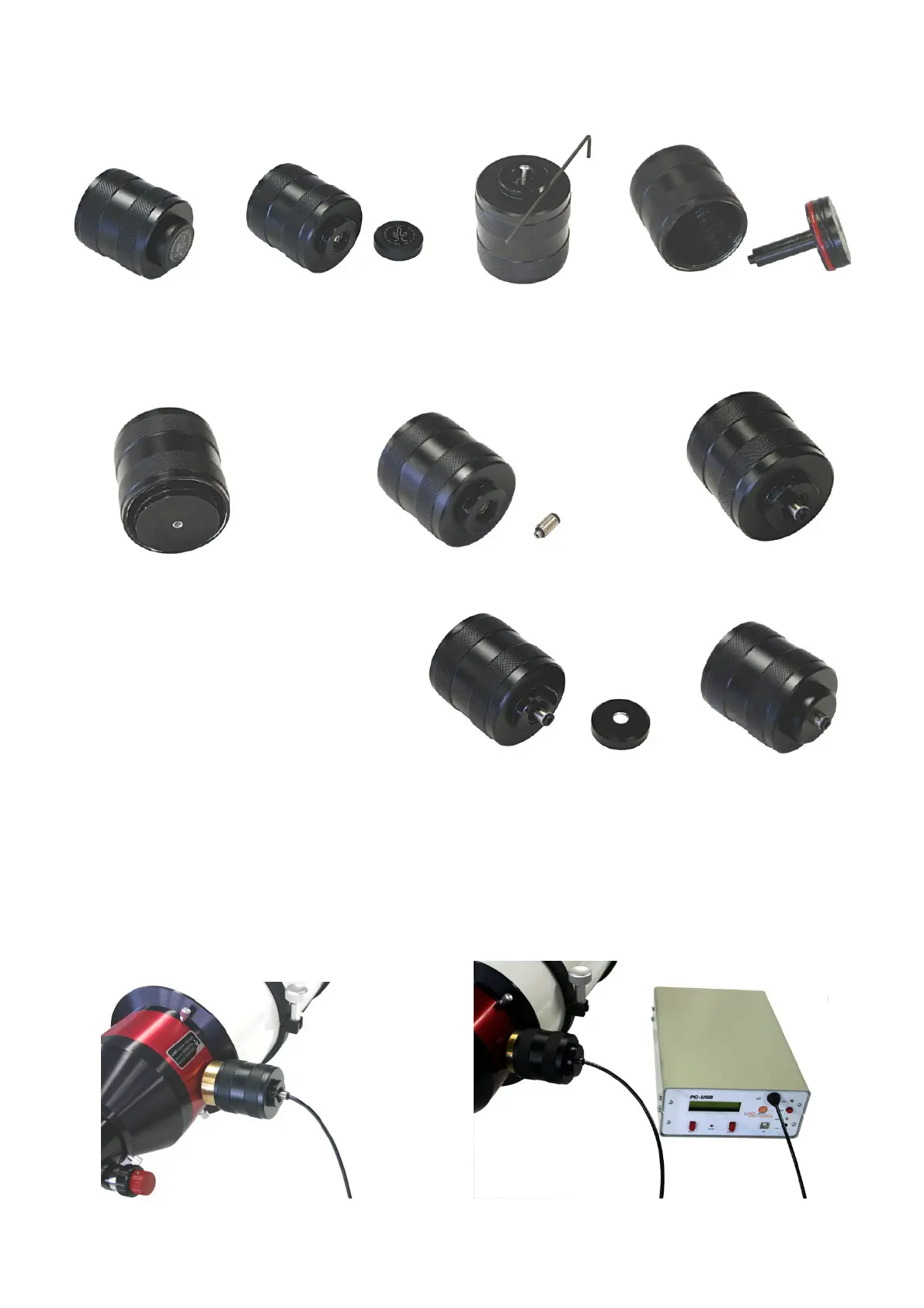
At the front of the black handle you will find a small cover cap with the label “Lunt Solar Doppler
True Tuning”. Unscrew this cover cap. Behind the cover cap you will find a screw, remove this
screw by using the hexagon wrench that is delivered with the PC-USB controller. Now you can
take the piston out from inside the black handle.
Now the new piston with the central hole can be placed inside the black handle. Press the new
piston firmly into the handle. Now screw the air pipe connecting sleeve into the front of the
handle. This connecting sleeve locks the piston. Screw the sleeve firmly, afterwards the
connection has to be airtight.
The new cover cap with the central hole
can now be screwed on the black handle.
Screw the black handle again on the brass cylinder at your Pressure-Tuner system. Now insert
one end of the air pipe into the connecting sleeve at the Pressure-Tuner. Make sure the air pipe
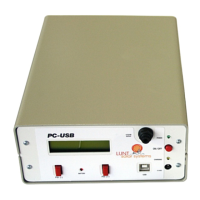
is well seated in the connecting sleeve. At the front of the PC-USB controller you will also find a
connecting sleeve for the air pipe (labeled “0-25 PSI Output”). Insert the other end of the air
pipe into this connecting sleeve at the PC-USB controller.
If you want to remove the air pipe:
To remove the air pipe later press the outer black ring of the connecting sleeve in while pulling
the air pipe out simultaneously.


 To Next Page
 Loading...