4
Operating the PC-USB controller by computer
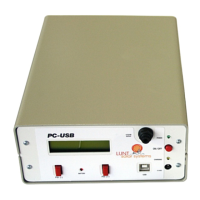
The PC-USB can be connected to a computer by a USB cable (USB cable not included). At the
front of the PC-USB you will find a USB-B port. At the description of the PC-USB on our
homepage you can download the software for the controller (compatible with Windows 7 and
higher):
www.bresser.de/en/Astronomy/Solar-Astronomy/Accessories/Electronic-controller-for-Pressure-
Tuner/LUNT-PCUSB-Pressure-Tuner-Controller-with-USB.html
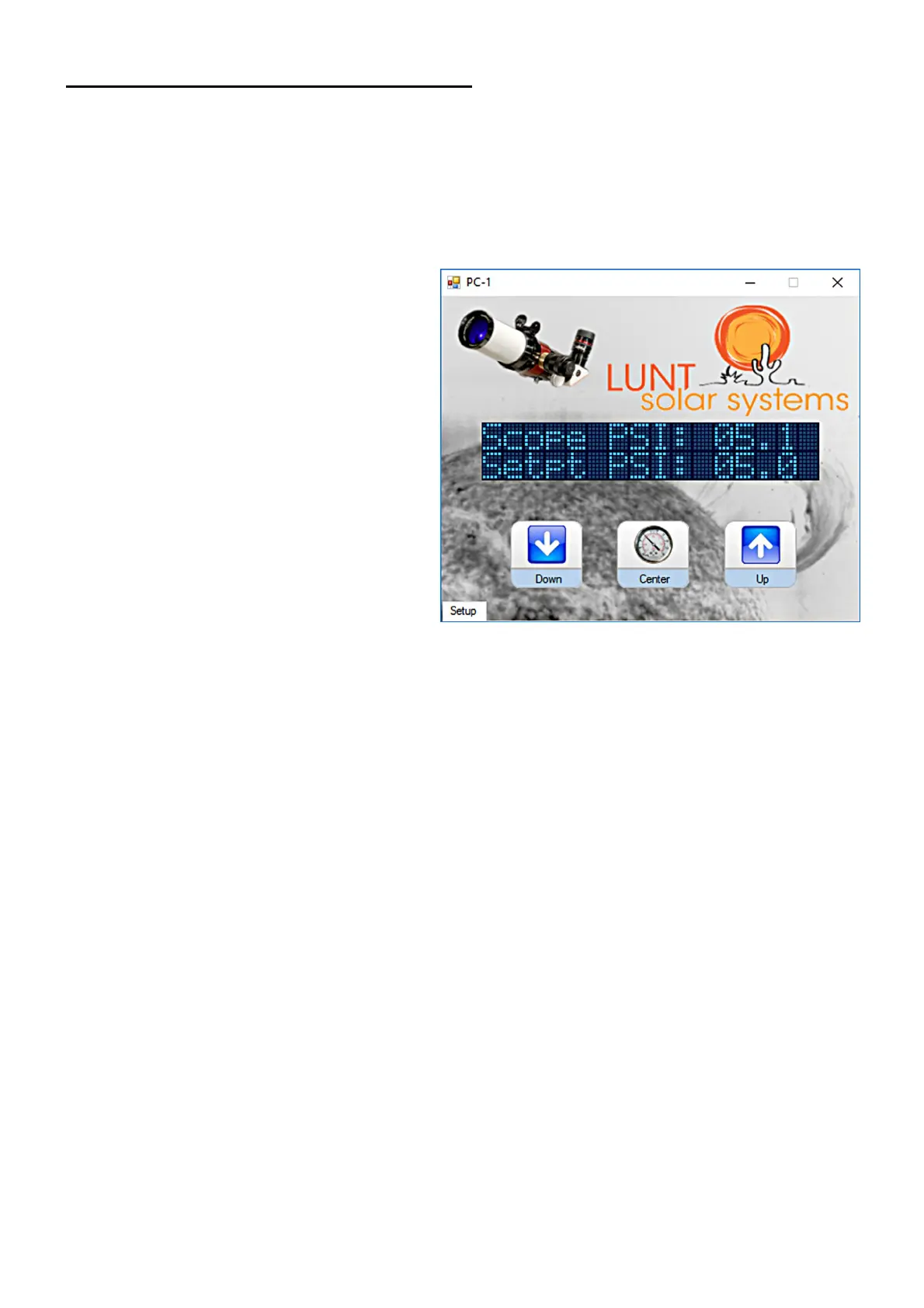
Usually operating the PC-USB by
computer will work after installing the
software. You can click the button “Setup”
at the screen window and choose the
COM-port if there are any problems.
Operating the PC-USB will work on the
same way like it is described at “Manually
operating the PC-USB controller”. The
button “Down” and “Up” correlate with the
button “PSI (-)” and “PSI (+)” at the PC-
USB housing, the button “Center” correlate
with pressing both button “PSI (-)” and “PSI
(+)”.
Please contact your local dealer or our customer service if you have any questions or problems.
Lunt Solar Systems - Exclusive European Distributor
Bresser GmbH
Gutenbergstrasse 2, 46414 Rhede, Germany
Phone: +49 (0) 2872 - 80 740
E-mail: info@bresser.de
www.bresser.de


 To Previous Page
 Loading...