GB
22
– Observe the regulations valid in your country for
the materials to be processed.
Risks caused by vibrations
The vibration values specified in the technical data
represent the main uses of the device. The actual
existing vibrations during use may deviate from these
as a result of the following factors:
• Incorrect use of the product;
• Unsuitable tools inserted;
• Unsuitable material;
• Insufficient maintenance.
You can reduce the risks considerably by following
the tips below:
– Maintain the device in accordance with the
instructions in the operating instructions.
– Avoid working at low temperatures.
– When it is cold, make sure your body and your
hands, in particular, are kept warm.
– Take regular breaks and move your hands at the
same time to promote circulation.
• Symbols appearing on your device may not be
removed or covered. Signs on the device that are
no longer legible must be replaced immediately.
Personal protective equipment
Your product at a glance
► P. 3, item 1
1. On-Off switch
2. Dust container
3. Sanding plate
Scope of supply
• Multi-sander
• Sanding discs (3×)
• Dust container
• Instructions for use
Using for the first time
Attach the sanding disc
The fixture of the sanding disc takes place by means
of hook and loop adhesion.
– Carefully align the sanding disc and press it firmly
onto the sanding plate.
– Press the device with the sanding sheet firmly
onto an even surface and switch on briefly.
Dust extraction
► P. 3, item 2
– Remove the dust collector (2) from the device.
– Fit the suction hose of a suitable vacuum unit onto
the ducts (4).
Operation
Check before switching on!
Check the safe condition of the device:
– Check whether there are any visible defects.
– Check whether all parts of the product are firmly
attached.
Switching on/off
– Switching on: Set the On/Off switch (1) to posi-
tion [1].
– Switching off: Set the On/Off switch (1) to posi-
tion [0].
Sanding
– Clamp in the workpiece or hold it firmly.
CAUTION! Risk of injury due to vibra-
tions! Vibrations may, in particular for per-
sons with circulation problems, cause dam-
age to blood vessels and/or nerves.
If you notice any of the following symptoms,
stop working immediately and consult a doc-
tor. Numbness of body parts, loss of sense
of feeling, itching, pins and needles, pain,
changes in skin colour.
Read and observe the instructions for use be-
fore using the product for the first time.
The protective insulation creates protection
from contact with electric parts under power
by providing additional insulation around the
necessary operational basic insulation. The
protective insulation corresponds to protec-
tion class II.
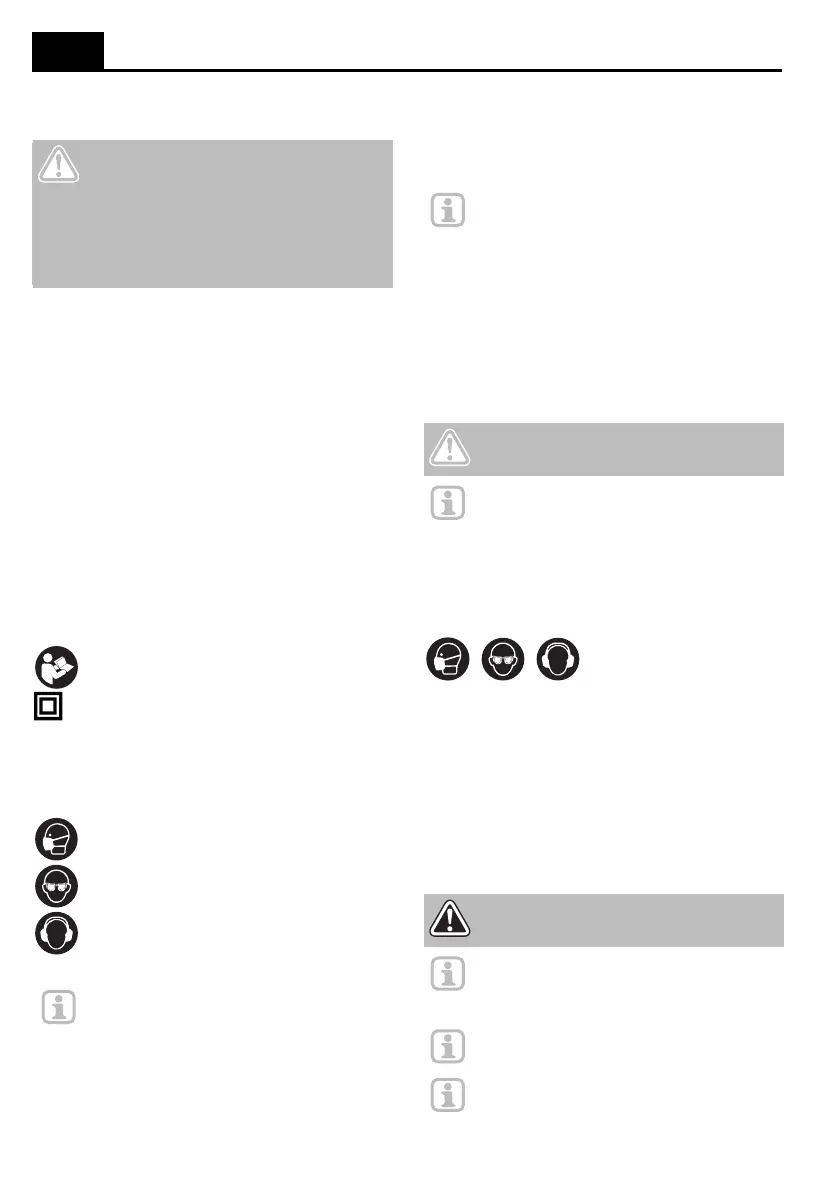
Wear a dust mask when working in a dusty
environment.
Wear safety goggles while working with sand-
ing devices.
Wear hearing protection.
Note: The actual appearance of your prod-
uct may differ from the illustrations.
Note: If the machine is operated together
with a dust extractor, perforated sanding
sheets must be used.
Position perforated sanding sheets so that
the holes in the sanding plate and the sand-
ing sheet coincide.
CAUTION! Health hazard due to dust!
Use a special extractor when extracting par-
ticularly harmful or dry dusts.
Note: The vacuum cleaner must be suitable
for the material to be processed.
DANGER! Risk of death through electric
shock! Only use the product for dry sand-
ing.
Note: Excessive imprints do not lead to
increased sanding performance, but leads
to increased wear of the product and the
sanding disc.
Note: Always work with the entire surface of
the sanding plate, not just the tip.
Note: When working vertical surfaces, hold
the device in such a manner that the dust
sack faces downward.



 To Next Page
 Loading...