ADDITIONAL ACTIONS
1
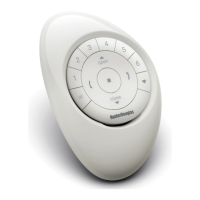
MOVE YOUR SHADE TO THE DESIRED FAVOURITE POSITION
(Use your
OPEN, CLOSE and STOP buttons to move the shade).
2
PRESS STOP FOR 6 SECONDS
(Keep pressing until the Remote lights start blinking).
3
PRESS AND HOLD THE SHADE BUTTON
4
PRESS THE FAVOURITE BUTTON
(You will see the shade move up and down briefly).
5
RELEASE THE SHADE BUTTON
6
IF YOUR REMOTE IS STILL FLASHING PRESS STOP FOR 6 SECONDS
(Keep pressing until the flashing stops).
16


 To Next Page
 Loading...