ADDITIONAL ACTIONS
18
REMOVE A SHADE FROM A GROUP
This will remove a shade from a group on your Remote. It will
not remove the shade from the PowerView® Network.
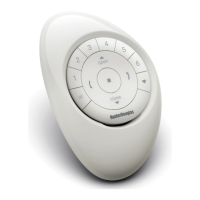
This instruction will make use of the GROUP 1, STOP and
CLOSE buttons on the Remote.
Find the shade button on your shade.
(Different shade types have different shade buttons. Consult
the shade documentation for the exact location of the shade
button).
Group 1
Stop
Close
Shade button


 To Next Page
 Loading...