3
COMPONENTS
This guide will help you get started with your PowerView®
purchase.
STEP 1 INSTALL YOUR SHADES
Make sure you have properly installed your shades and that
they are connected to a power source (battery pack or power
supply).
STEP 2 YOUR POWERVIEW®
COMPONENTS
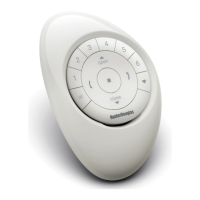
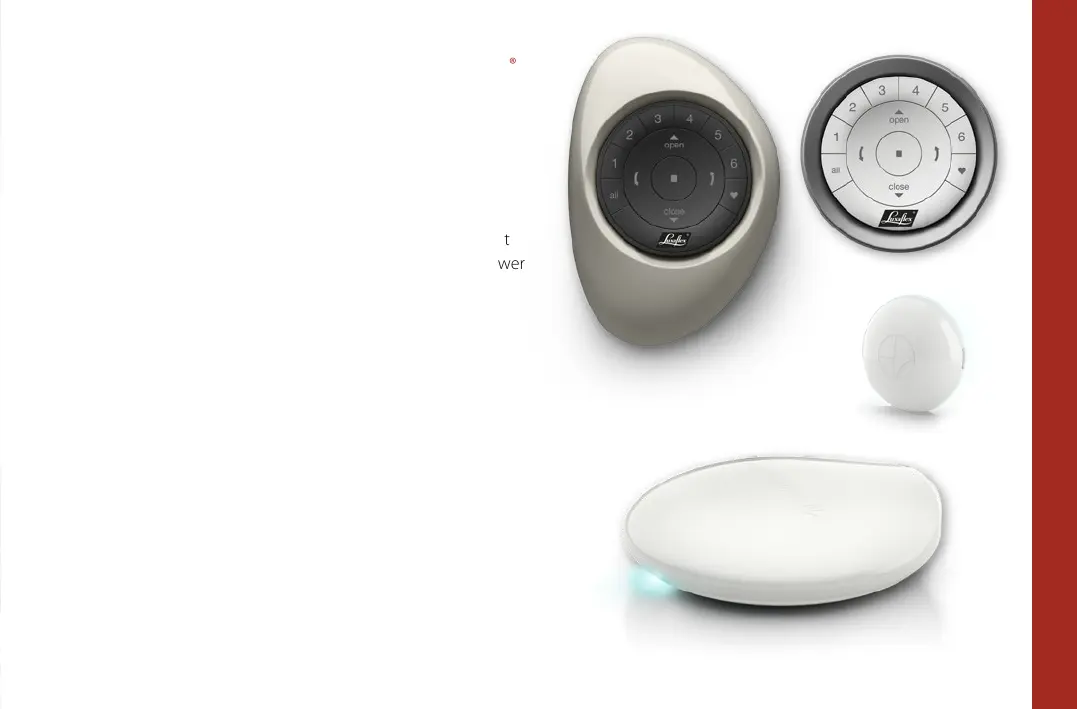
Packed with your purchased product you will find one or more
Remotes, repeaters and a Hub (which is optional and only
required when you want to control your shades using a tablet
or smartphone). Remotes come in different shapes and colours.
Please locate them all before you start.
Pebble® Remote
Wall Surface
Repeater (optional)
Hub (optional), required for controlling your shades
with a tablet or smartphone.


 To Next Page
 Loading...