The following examples apply once the initial attachment setup has been performed by M-B or a factory trained MSV dealer.
This setup includes adjusting outputs to the optimum levels.
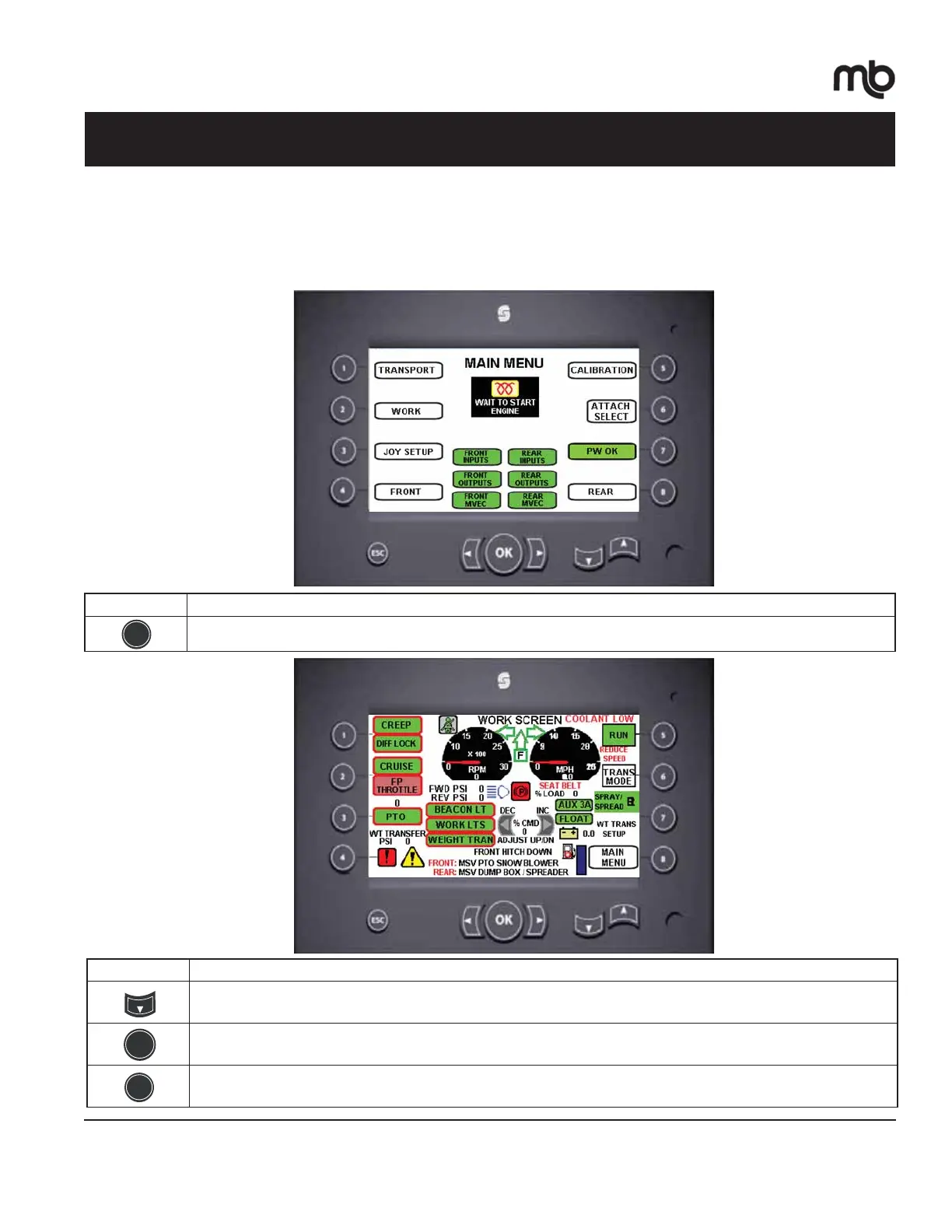
Initial set up of the Weight Transfer feature
$IWHU\RXUDWWDFKPHQWVDUHFRQQHFWHGDQGVHWXSIROORZWKHVHVWHSV6WHSVQHHGWREHGRQHZKHQVZLWFKLQJEHWZHHQ
DWWDFKPHQWV
Operation - Weight Transfer Example
Button Function
:RUNPRGHVFUHHQ
2
Button Function
$UURZGRZQWKUHHWLPHV
3UHVV³2.´WRWXUQRQ:HLJKW7UDQVIHU
$FFHVV:HLJKW7UDQVIHUVHWXSVFUHHQ
7
OK
M-B Multi-Service Vehicle • 43 • Operation
©2015 M-B Companies Inc.
All Rights Reserved


 To Next Page
 Loading...