Chapter 3 Apps 43
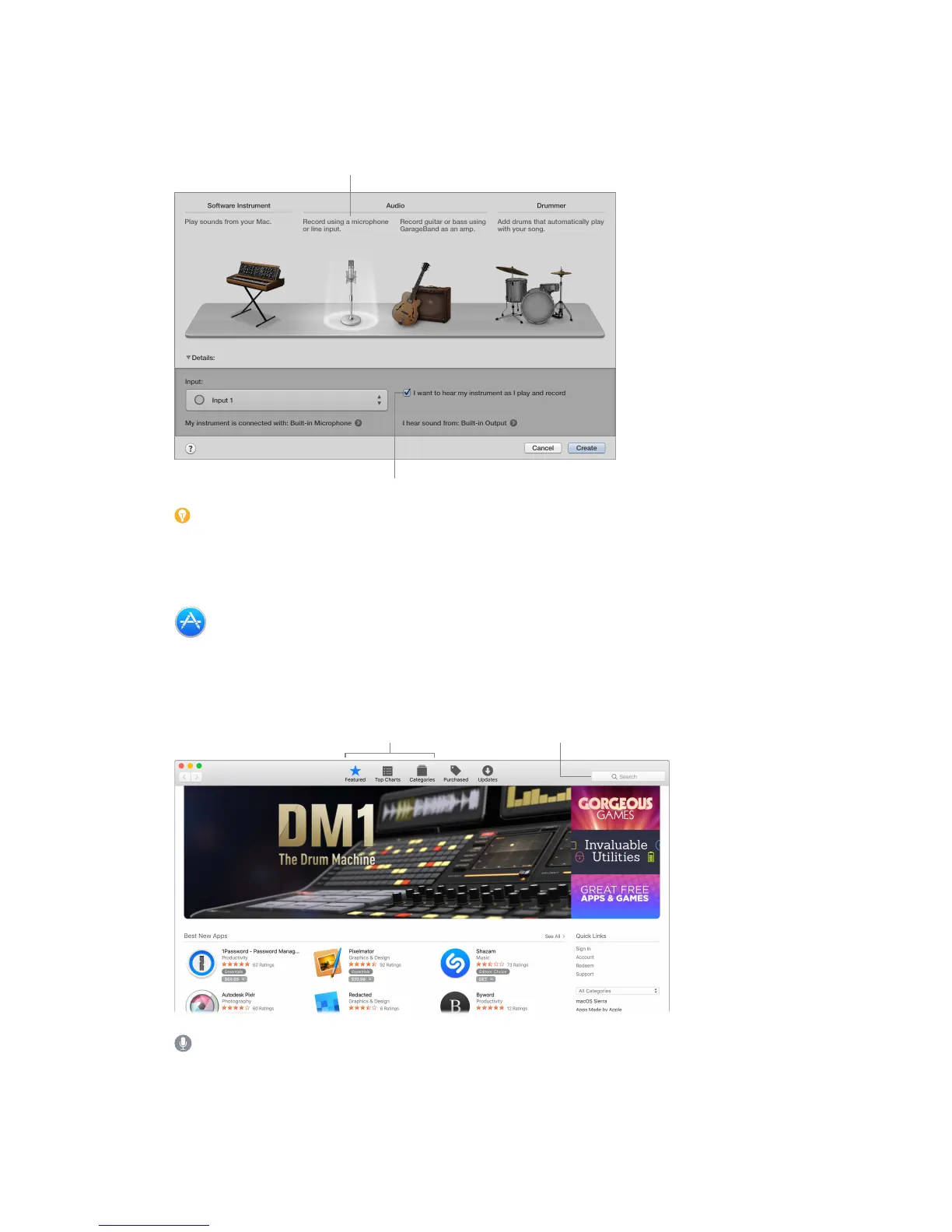
Record your voice. Connect a microphone (sold separately), choose Track > New Track, then
select the microphone under Audio. Click the triangle next to Details to set options for input,
output, and monitoring, then click Create. Click the Record button to start recording, or the Play
button to stop recording. Don’t forget to sing!
Hear yourself while you record.
Tip: Make your own ringtones, then sync them to your iPhone using iTunes. Choose File >
New, select Ringtone, click Choose, then import a le to use. Customize the ringtone the way you
want, then choose Share > Ringtone to iTunes.
App Store
Search the App Store to nd and download apps, and get the latest updates for your apps.
Find the perfect app. Know exactly what you’re looking for? Type the name in the search eld,
then press Return. Or click Top Charts to see the most popular apps.


 To Next Page
 Loading...