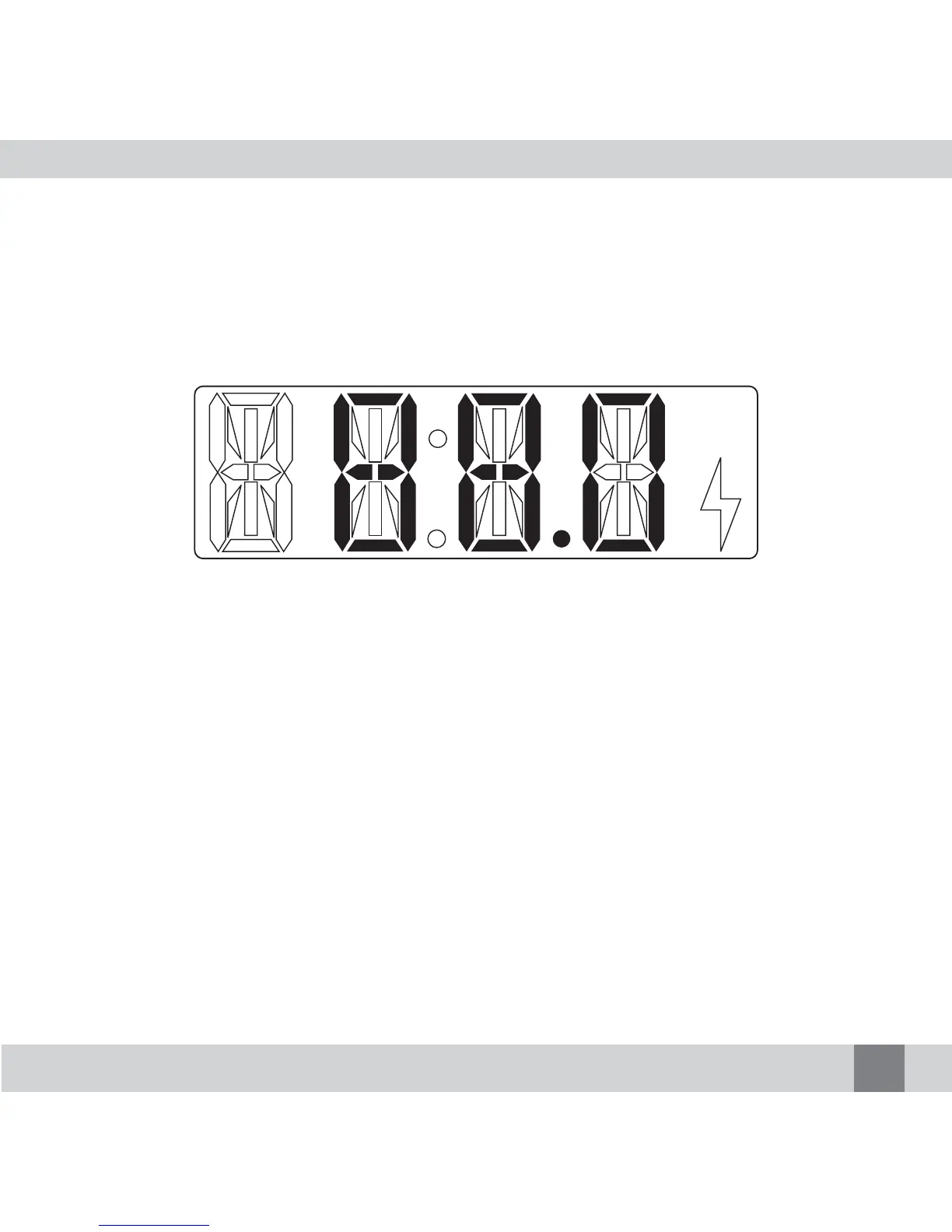
2. The LCD Digital Display shows the pre-set radio frequency channel
(For example, 88.0MHz). If the character display is not clear in the car,
please loosen the Holder Joint in the Car Adapter/Holder and position the
FM Transmitter until you can see the character display clearly, then tight-
en the Holder Joint again.
3. Turn on your radio and switch to FM channel, adjust the radio frequency
channel to desired channel. Now the radio will output as “zzz” sound or
radio music now.
4. Then adjust the radio frequency channel of the Digital Transmitter to the
same radio frequency channel of the radio. (For example, if the radio fre-
quency channel is set to 88.0MHz then the FM Transmitter should also
be set to 88.0MHz). When the radio frequency channel of the Digital
Transmitter and the radio are same, the “zzz” sound will stop. Adjust the
volume to medium level in iPod or audio player, and start playing music.
Now you will hear the music playing from the iPod or audio player will
output from the radio.
Note: If volume level from iPod or audio player is
high, the music output from the radio will sound distorted.
9


 To Next Page