32
M2 SERIES
desired..
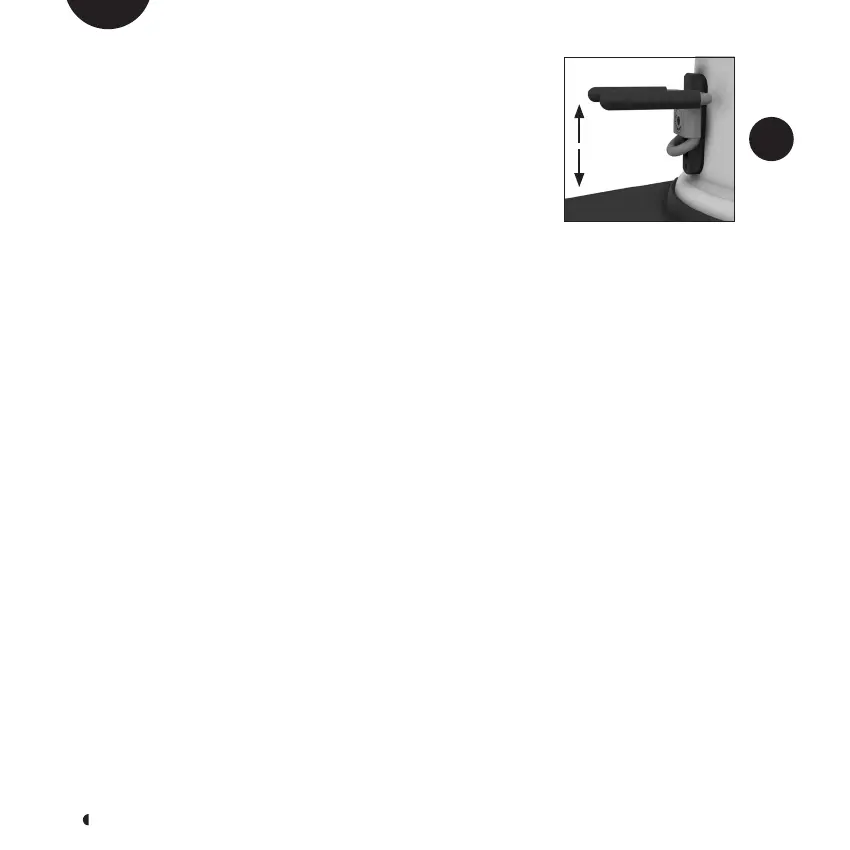
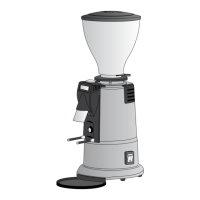
9.6 ADJUSTING THE REST
All models are equipped with a mechanism for adjusting
the height of the rest. To adjust the height, loosen the
screw by half a turn (see figure F9) and slide the rest up or
down to the required position. Tighten the screw to make
sure the portafilter is always placed on a firm rest.
9.7 PROGRAMMING
To enter the programming menu, turn on the machine.
After the welcome message has appeared, press the DOSE
button for 8 seconds until the text on the display changes.
Press the “+” or “-“ keys to scroll through the menu; when
programming, it is possible to see the number of doses for
the timed functions, activate continuous dosing and the
triple dose function.
To exit the programming menu, scroll to the “EXIT” scre-
en and press the DOSE button to return to the operating
menu.
9.7.1 DOSE COUNTER
The appliance is equipped with a function for controlling
the number of doses for timed functions. The letter “P” in-
dicates the number of partial doses, “T” indicates the num-
ber of total doses.
To reset one of the partial dose counters, enter the pro-
gramming menu and use the “+” or “-“ keys to select the
dose to be reset. Press the DOSE button for 5 seconds to
reset the partial dose counter.
Select the EXIT screen and press the DOSE button to exit
programming.
9.7.2 TRIPLE DOSE
To enable the triple dose function, proceed as follows:
enter the programming menu, use the “+” or “-“ keys to
F9
EN



 To Next Page