37
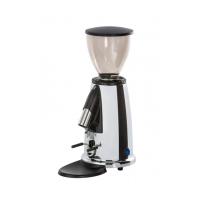
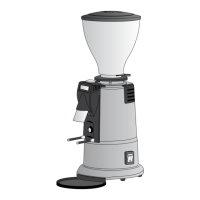
M2 SERIES
10.2 TECNICAL DATA
Click-adjustable grinding Standard
Micrometric grinding adjustment Optional
Portafilter holder with adjustable rest Standard
Dose Continuous
Available voltages 230V50/60Hz-110V60Hz
Absorbed current 230 V-50/60 HZ 1.5 A
Absorbed current 110 V-60 HZ 2.8 A
Flat grinders Ø 50 mm
Dimensions mm 250 × 152 × 382 h
Hopper capacity 250 g
10.3 APPLIANCE OPERATION
Position the hopper correctly and firmly on the upper
grinder holder and fill with coffee beans. Close the cof-
fee hopper with the cover provided and then open the
coffee hopper fan so that the coffee beans can drop
down into the grinding chamber. To activate the ap-
pliance, turn the switch ON (see figure F1).
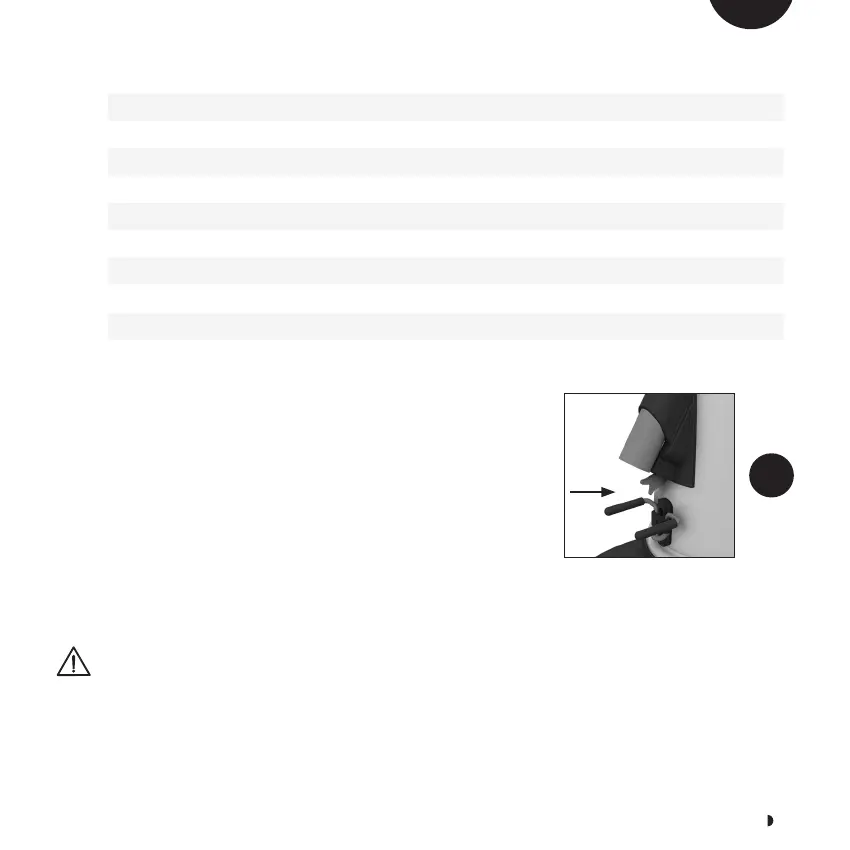
Grinding is activated by pressing the dispensing switch
(see figure F10). To stop grinding, release the switch.
At night or when there are no operators in the room,
turn the ON/OFF switch to OFF (see figure F1).
Never operate the appliance without
the hopper or hopper cover
10.4 GRINDING ADJUSTMENT
The machine is factory-set to grind beans for Espresso
coffee which is suitable for many types of coffee on the
F10
EN



 To Next Page