2) Use macaroon APP to scan the barcode on the device to add and lock the device.
3) Purchase the suitable package in the data mall and ready to use it!
7. About WebUI
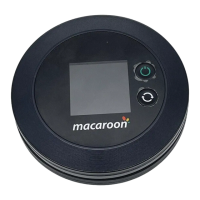
1) Connect your macaroon M1 device with your mobile phone or PC device.
2) Enter the address "192.168.225.1" in the browser, the default password is:
12345678
3) After logging in, you can use web UI to change your password and set APN, etc.


 To Next Page