Calculator
On the main menu, touch the “Calculator” icon to enter Calculator Mode. This is a
standard calculator. Touch the icon to return to the main menu.
Photo
On the main menu, touch the “Photo” icon to enter Photo Mode. You will enter your
media Library, which allows you to select the file you wish to view.
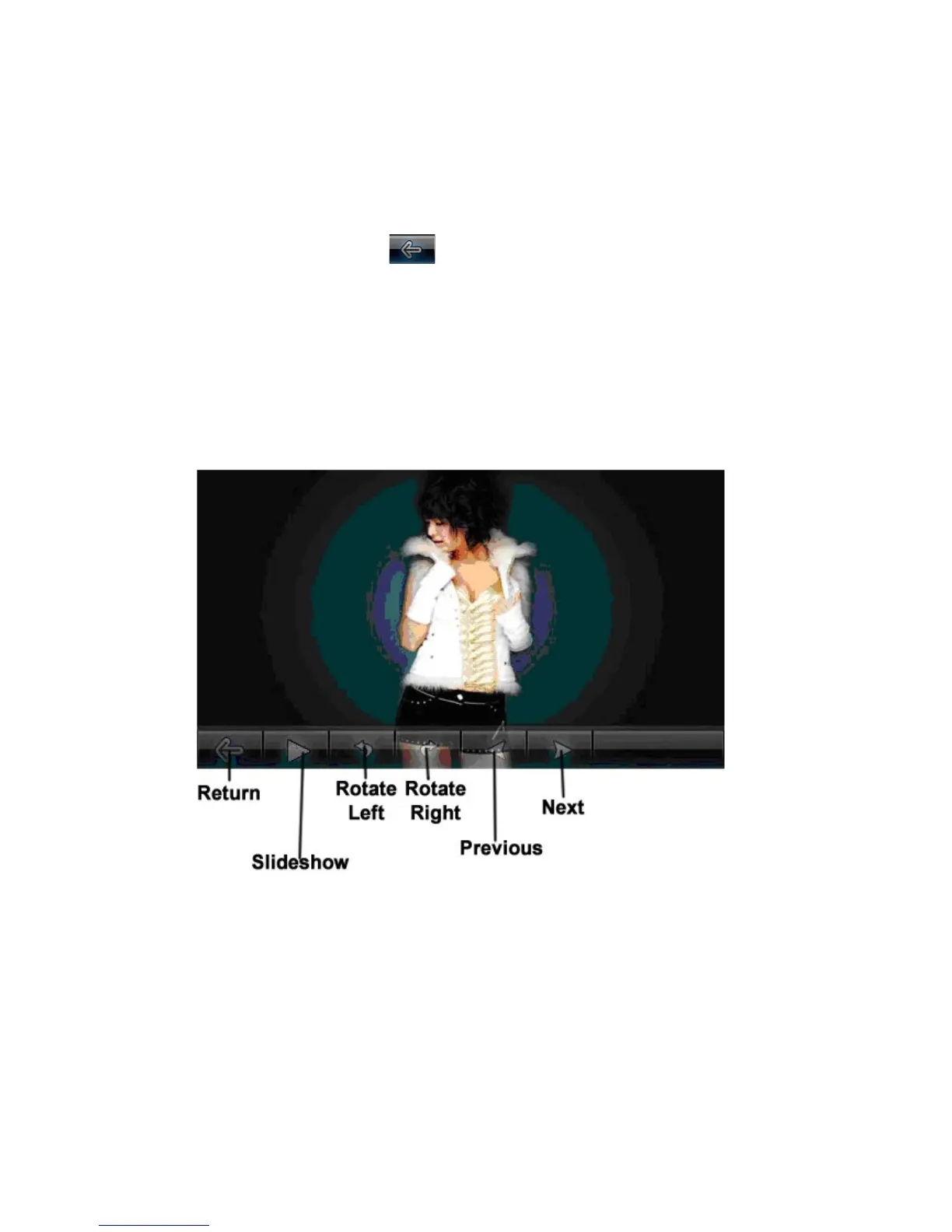
Touch the Previous or Next icons to view the previous or next photo. You can rotate the
current photo either left or right by touching the rotate icons. Touching the slideshow
button will begin playing the photos in a slideshow. Touching this icon again will stop the
slideshow.
Record
On the main menu, touch the “Record” icon to enter Record Mode. You will enter the
Voice Recording Mode, which allows you to record voice notes.



 To Next Page