M48 48V Power Supply
6
M48 48V Power Supply
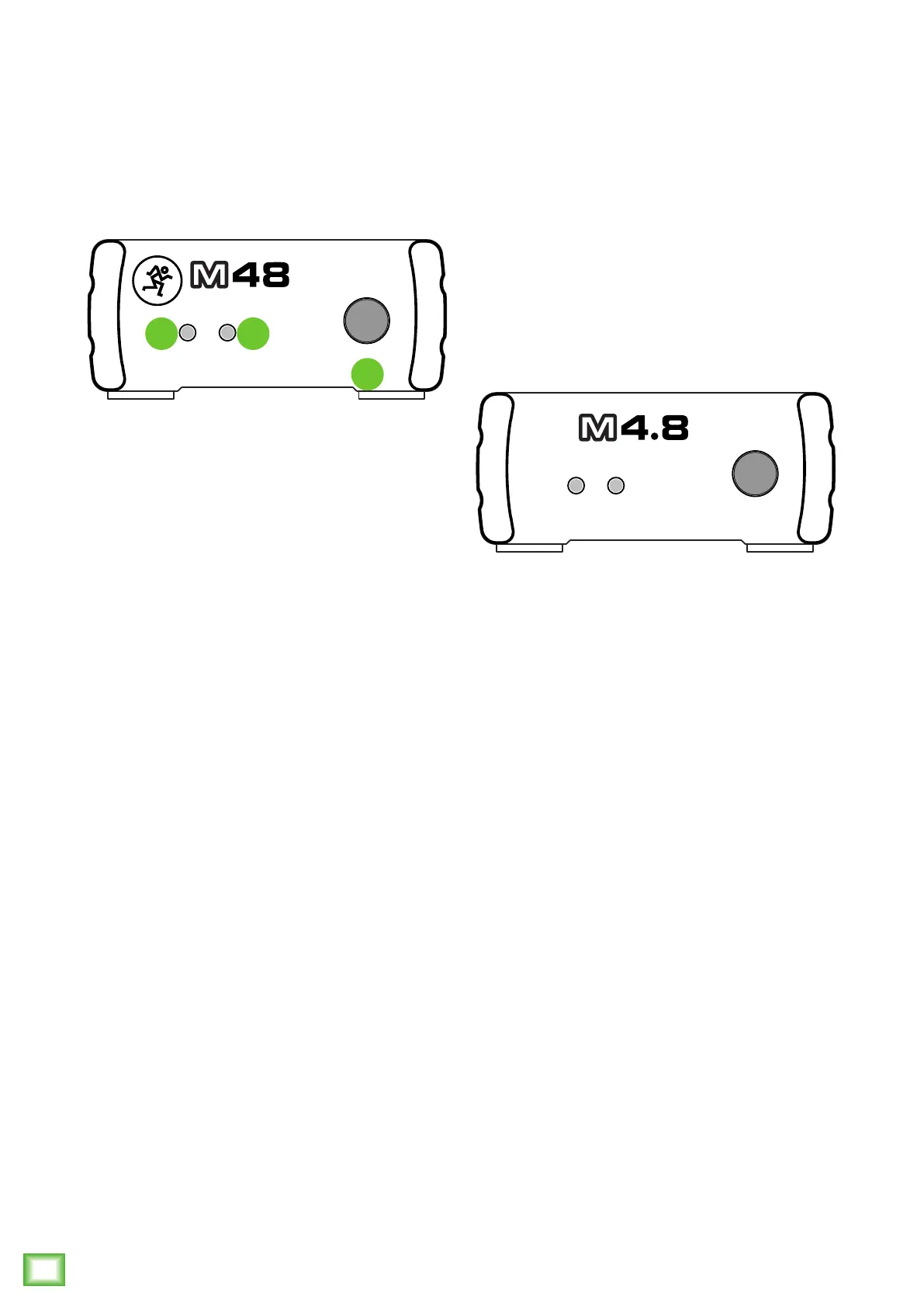
M48 48V Power Supply: Front Panel Features
4. Power Switch and LED
Press this switch to turn the M48 on and o.
The power LED will illuminate green when the M48
is turned on.
5. Low Battery LED
This LED will illuminate green to let you know that it’s
time to replace the 9V battery. And no, don’t test it by
putting your tongue on the battery terminals. The LED
is a fine indicator by itself...
M48 Front Panel
POWER LOW
BATT.
POWER
48V POWER SUPPLY
4
54
Battery Compartment (Not Shown)
The M48 may be powered by a single 9V battery. The
battery compartment is located on the bottom panel of
the M48 and is accessible by sliding and removing the
battery case cover.
Warning
Beware of imitators! There’s a fake M48 out there.
Called the M4.8, it only supplies 4.8V of power instead
of the required 48V that condenser mics require.
POWER LOW
BATT.
POWER
4.8V POWER SUPPLY



 To Next Page