14
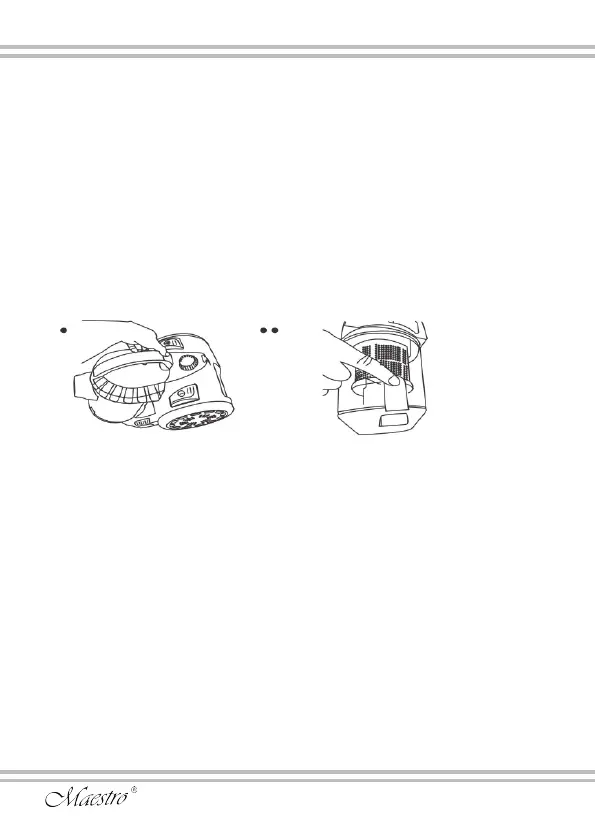
Cleaning the container lter.
1. Remove and clean the garbage container as above.
2. Open the cover of the container and remove the lter.
3. Wash the lter under live clean water. Do not use soap, washing
powders or other cleaning abstergents. The use of abstergent will
damage the lter.
4. Allow the lter to dry completely. Install the lter in the cover, and
install the cover in the waste container and into the vacuum cleaner
body until the latch snaps into place.
Cleaning the engine protection lter.
The lter serves to protect the engine from dust. Inspect and, if
necessary, clean the lter.
Cleaning the output lter (HEPA)
This lter is installed in the air outlet grille behind the vacuum
cleaner body. It performs the nal cleaning of the air ejected from
the vacuum cleaner.


 To Next Page
 Loading...