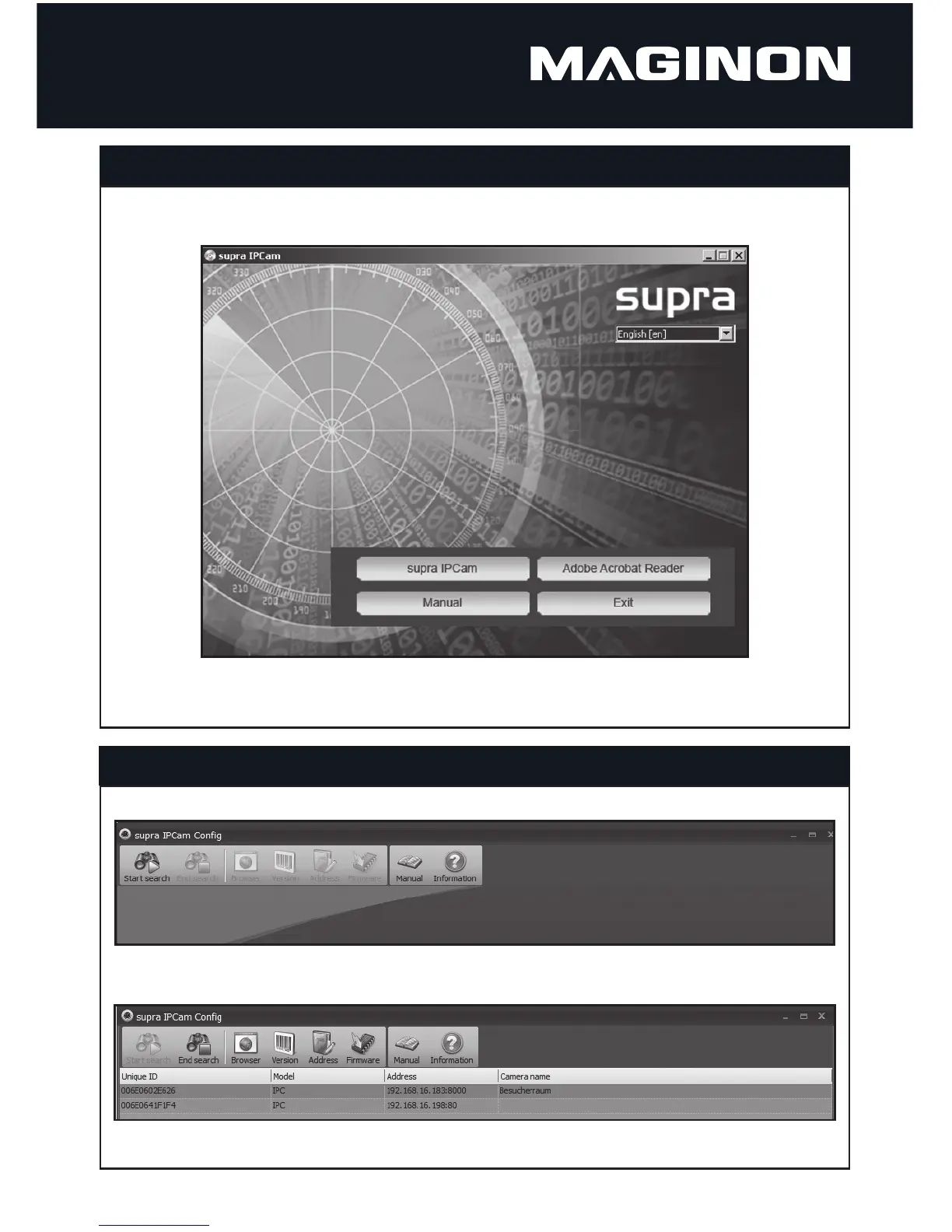
Place supplies software CD into CD/DVD drive of your computer. The following CD menu appears:
Click on “Maginon IPCam“ to install the program Maginon IPCam Con g. Follow installation instructions on screen.
Con guring the surveillance camera
On the computer start program Maginon IPCam Con g, located under Start --> All programs .
Select “Start search” to search for the surveillance camera in the network.
Select the surveillance camera from the list and the select “Settings”.
Software installation



 To Next Page