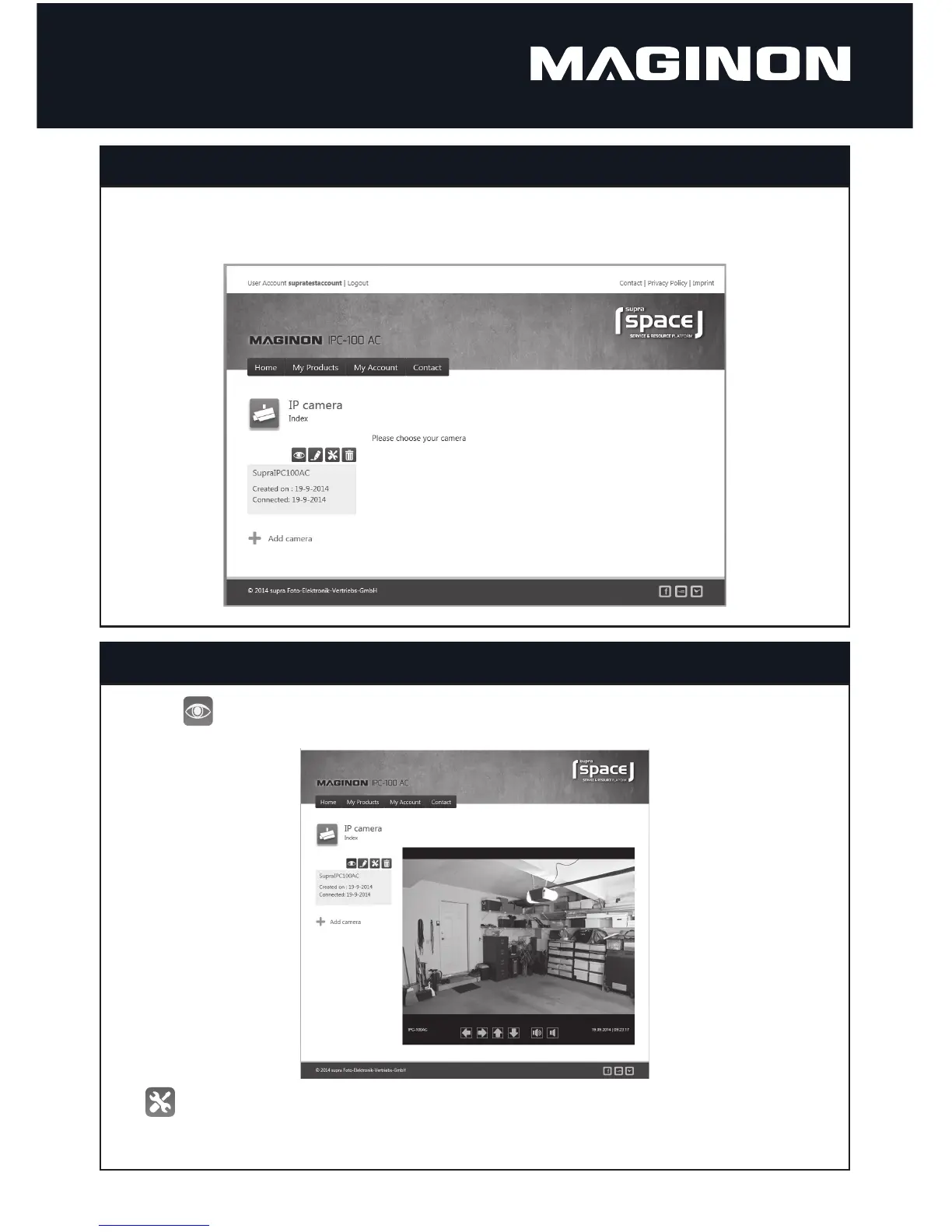
Next open the start page of Supra Space in the Internet Browser using link http://Maginoncloud.com.
Enter user name speci ed in the Set-up assistant. The overview now lists all products of your IP camera. Select these to call up your camera. The
following page then appears.
Start Supra Space
Select symbol to call up the image of your Maginon IPC-100AC. Using the arrows below the image the camera head can be controlled and
the sound can be switched on or o .
Using call up the Web surface of your camera. Log on with user name “admin” and without a password. You then have access to all settings of
your Maginon IPC-100AC.
Use camera via Supra Space



 To Next Page