2 | P a g e
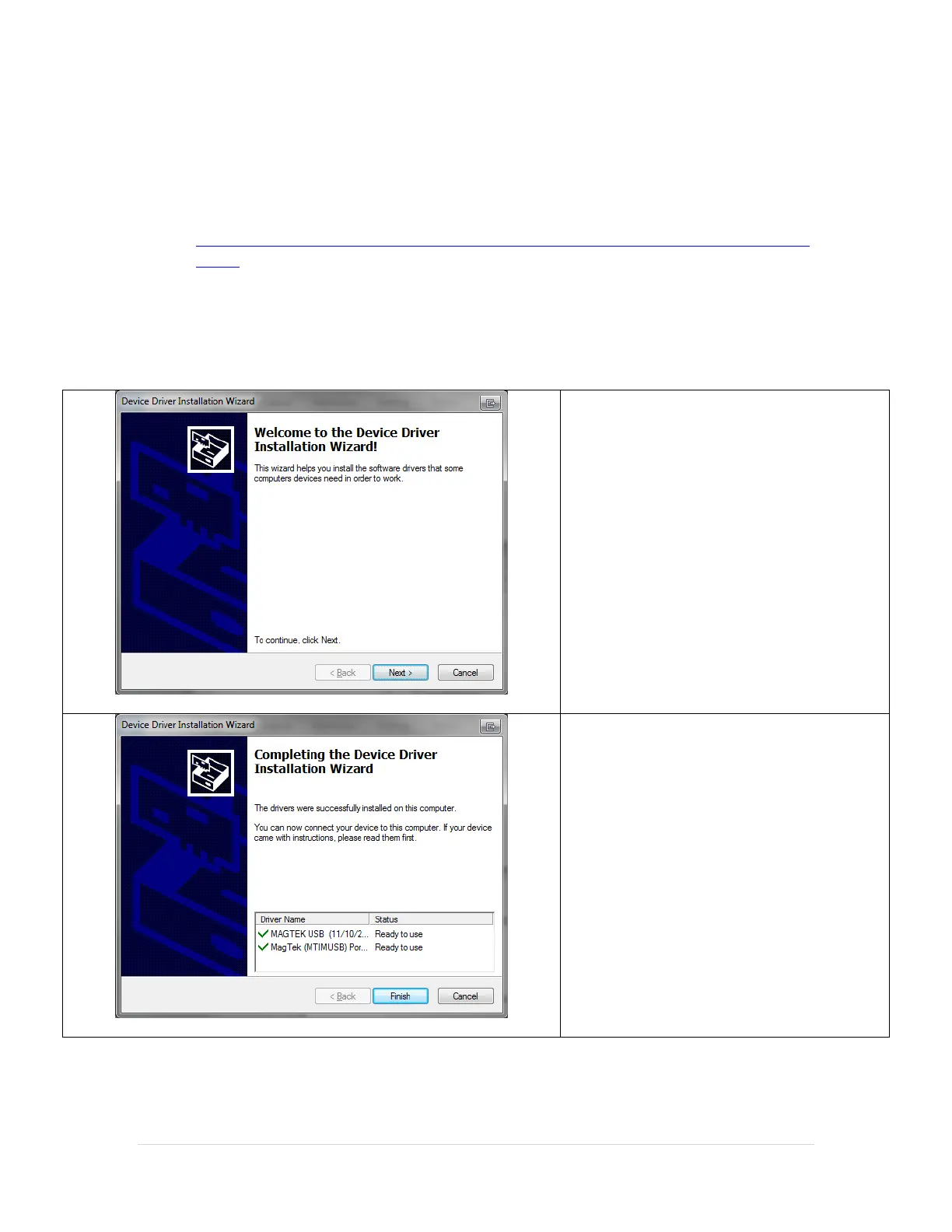
Installing the MAGTEK Check Reader Drivers
To process Check transactions the Magtek Check Reader (P/N: 22523009) must be installed.
The Driver for this device can be downloaded from:
http://download2.pcamerica.com/drivers/Manufacturer/MAGTEK/MAGTEK_Mini_MI
CR.zip
Note: The above file contains drivers for both 32 and 64 bit operating systems.
When installing the above files in Windows 7 make sure to right-click and select Run as
Administrator on the installation file (DPInst.exe).



 To Next Page