Makeblock mElephant 3D Printer
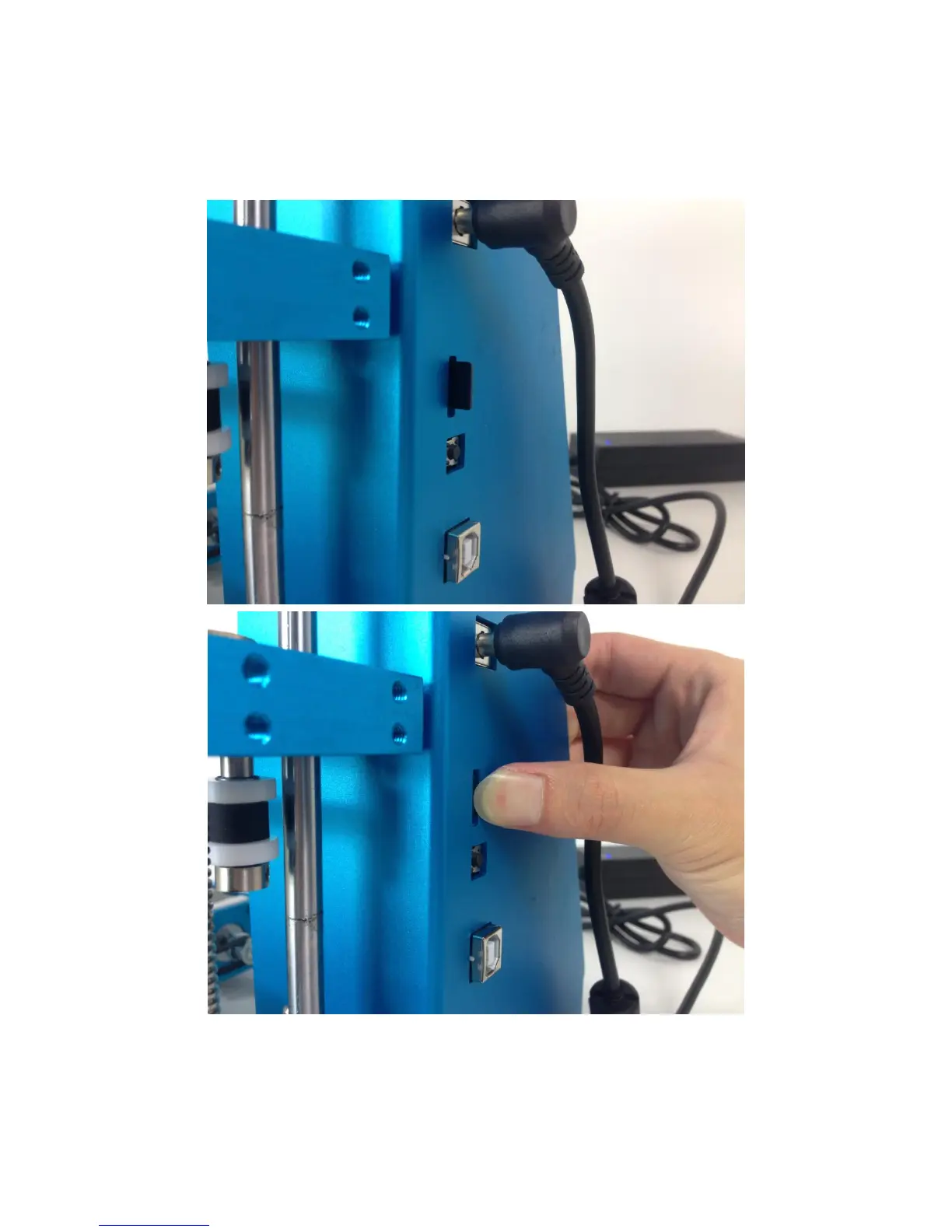
3. Gently insert the card into the card slot, and Use a finger to press the
card into the slot until you hear a clicking sound.
4. Operation Rotary Knob - Press the knob to turn on this 3D printer,
rotate the knob clockwise, choose "Print from SD", and then press the


 To Next Page