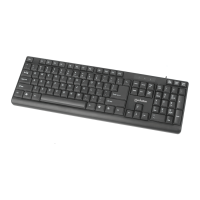
Polski: Klawiatura Gamingowa — Edycja z metalową obudową
Szybka instalacja
Podepnij klawiaturę do wolnego portu USB komputera. System operacyjny automatyc-
znie wykryje nowe urządzenie i zainstaluje odpowiednie sterowniki.
Specykacja techniczna dostępna jest na stronie manhattanproducts.com.
Italiano: Tastiera Gaming con LED — Edizione con base metallica
Installazione semplice
Basta collegare la tastiera nella porta USB del computer. Il sistema operative riconoscerà
automaticamente la tastiera e installerà i driver.
Per ulteriori speciche, visita il sito manhattanproducts.com.
FN
+
F1
Odtwarzacz multimedialny
F2 Przycisz
F3 Podgłośnij
F4 Wycisz
F5 Zatrzymaj
F6 Poprzedni
F7
Odtwarzanie/Pauza
F8 Następny
F9 E-mail
F10
Strona główna przeglądarki
F11 Blokada klawiatury
F12 Kalkulator
FN
+
Zastąp klawisze W, S, A, D strzałkami
Zablokuj/odblokuj klawisz Windows
W
FN
FN
Włącz/Wyłącz podświetlenie
Podświetlenie - dynamiczne
FN
FN
+
FN
+
F1
Lettore multimediale
F2 Abbassa il volume
F3 Alza il volume
F4 Silenzia
F5 Ferma
F6 Precedente
F7 Riproduci/Pausa
F8 Successivo
F9 Email
F10
Pagina iniz. del browser
F11 Blocco tasti
F12 Calcolatrice
Retroilluminazione attivata/disattivata
Retroilluminazione — Vibrazione
Converti i tasti W, A, S, D in frecce
v Blocco/sblocco tasti di Windows
FN
W
FN
FN
ENGLISH: USB Gaming Keyboard with LEDs — Metal Base Edition
Easy Installation
Plug the keyboard into a USB port on a computer. The OS will automatically detect the keyboard
and install the drivers.
For specications, visit manhattanproducts.com.
ESPAÑOL: Teclado gaming con LED — Edición Base Metálica
Fácil Instalación
Sólo conecte el teclado a un puerto USB en la PC. El sistema operativo detectará
automáticamente el teclado e instalará los controladores necesarios.
Para más especicaciones, visite manhattanproducts.com.
Français: Clavier gaming avec DEL — Édition Base métallique
Installation facile
Connectez le clavier à un port USB de votre PC. Le système d’exploitation détecte le
clavier et installe le pilote automatiquement.
Vous trouvez les spécications sur manhattanproducts.com.
F1 Media Player
F2 Volume Down
F3 Volume Up
F4 Mute
F5 Stop
F6 Previous
F7 Play/Pause
F8 Next
F9 Email
F10 Browser Home Page
F11 Key Lock
F12 Calculator
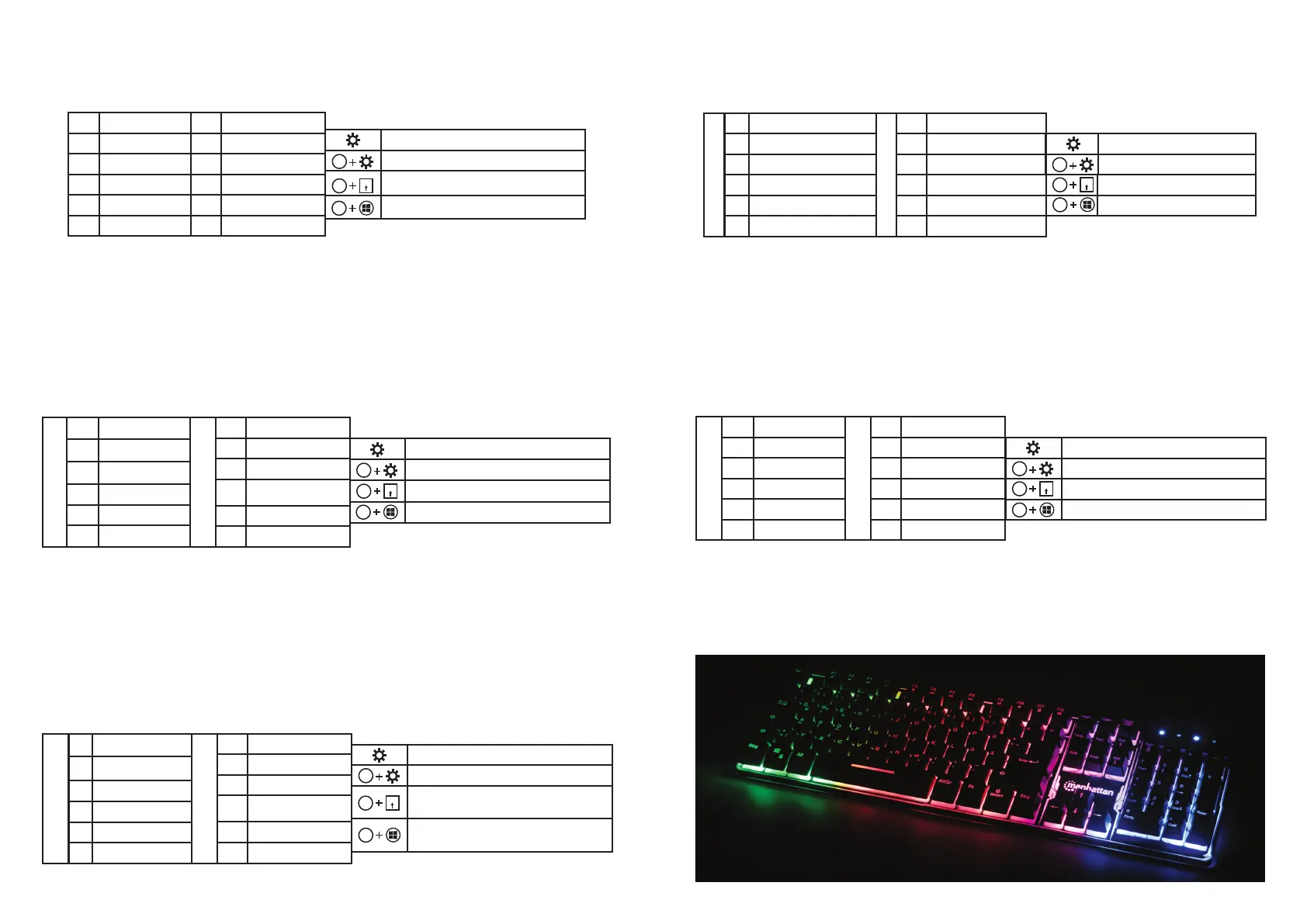
Keyboard Backlight on/o
Backlight - Pulsate
Convert W, A, S, D keys to Arrows
v Windows Key Lock/Unlock
FN
W
FN
FN
F1 Reproductor
F2 Reducir volumen
F3
Aumentar volumen
F4 Silencio
F5 Stop
F6 Previa
F7 Reproducir/Pausa
F8 Siguiente
F9 E-mail
F10
Página de inicio del
navegador
F11 Bloqueo de teclas
F12 Calculadora
FN
+
FN
+
Activar/desactivar retroiluminación
Retroiluminación — Pulsación
Convertir teclas W, A, S, D en cursores
v Bloqueo/desbloqueo de teclas Windows
FN
W
FN
FN
F1
Lecteur Multimédia
F2 Baisser le Volume
F3
Augmenter le Volume
F4 Muet
F5 Stop
F6 Précédent
F7 Lecture/Pause
F8 Suivant
F9 E-mail
F10
Page d’Accueil du
Navigateur
F11
Touche de Verrouillage
F12 Calculatrice
FN
+
FN
+
Rétro-éclairage on/o
Rétro-éclairage – Pulser
Convertir les touches W, A, S, D en touches
Directionnelles
v Verrouillage/Déverrouillage des Touches
Windows
FN
W
FN
FN


 To Previous Page
 Loading...