EasyManua.ls Logo

Mapesen MP6200 - Device Power On; Device Power Off; User Authentication; Password Protection Policy

Default Icon
10 pages
Print Icon
To Next Page IconTo Next Page
To Previous Page IconTo Previous Page
Loading...
1.Turn on
2.Turn off
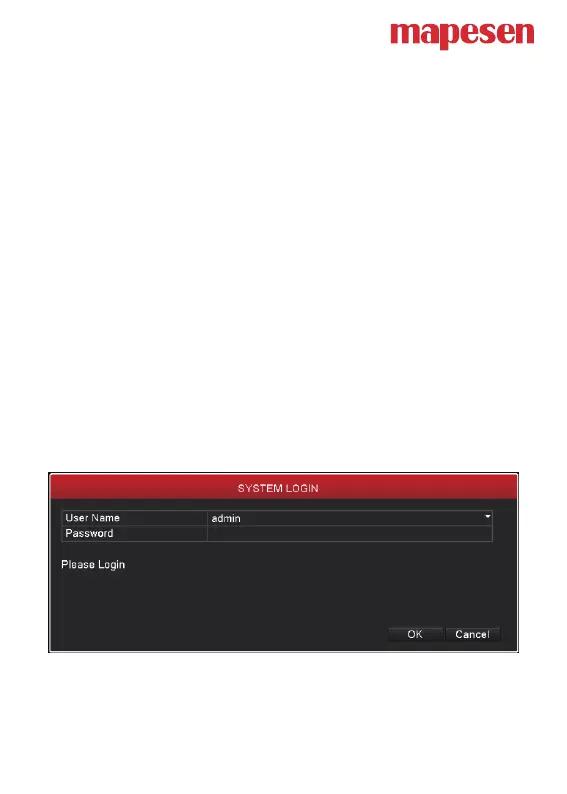
3.Log in
Plug the power supply and turn on the power supply switch. Power supply



Note: 4/8/16CH XVR no switch by default, power on can be started


Pressing the power supply switch is called hard switch.





passwords are both null. Admin is the super user purview and guest is the
common user purview.




