EasyManua.ls Logo

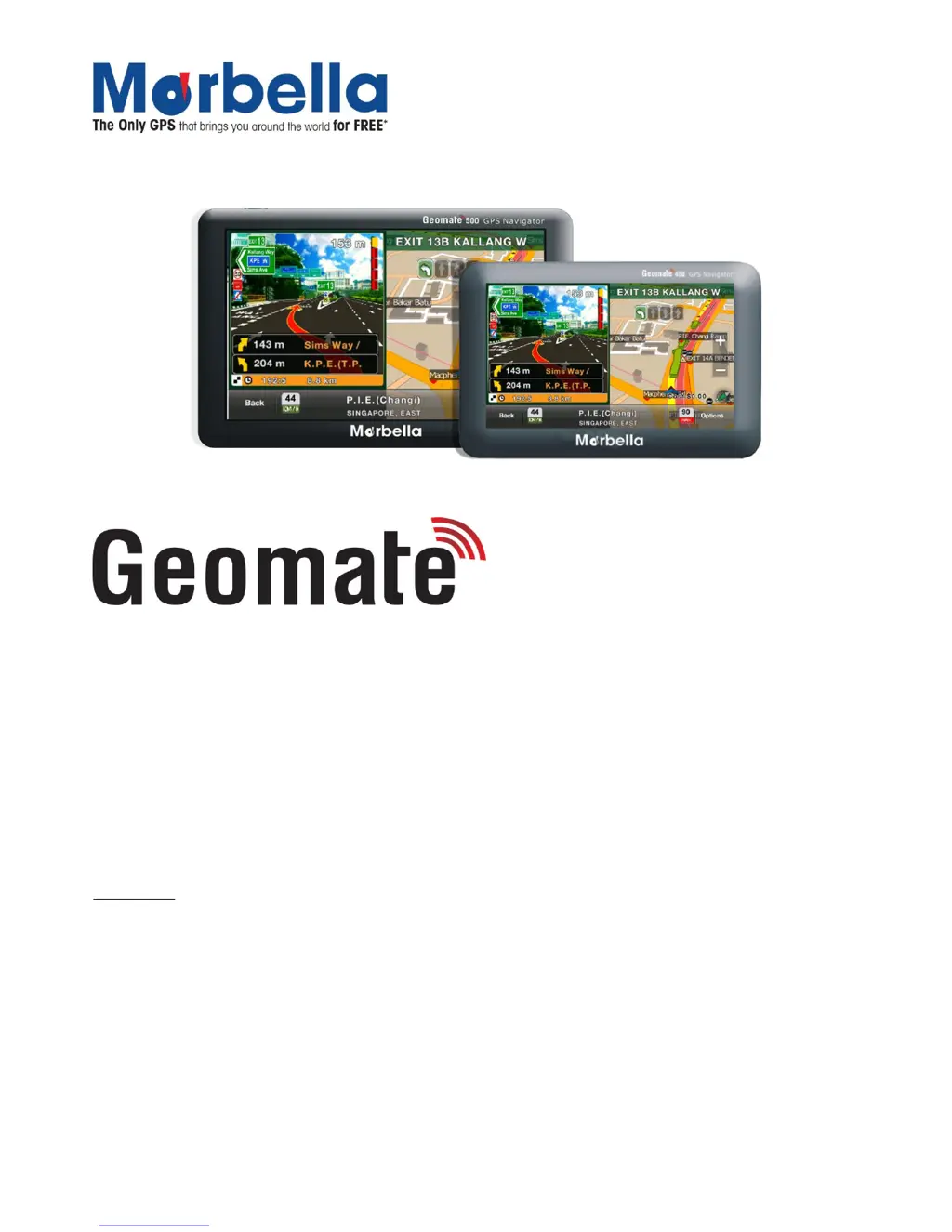
Marbella Geomate 400 - User Manual

Marbella Geomate 400
34 pages
Print Icon
To Next Page IconTo Next Page
Loading...
Page 1
© 2012 Maka Technologies Group. All Rights Reserved.
400/500 GPS Navigator
User Manual
R07
August 2012
Trademarks
All brand and product names are trademarks or registered trademarks of Maka GPS Technologies Group. In
association with Maka GPS Technologies Private Limited (Singapore), Maka GPS Technologies Sdn. Bhd.
(Malaysia) & Maka Technologies Group (H.K.) Limited.
The information in this manual is subject to change without notice.

Questions and Answers

  • C
    Colleen WhiteAug 11, 2025
    How to fix a Marbella Geomate 400 that won't turn on?
    • H
      hernandezryanAug 11, 2025
      If your Marbella GPS device isn't powering on, the battery may be drained. Please charge the device, referring to the battery charging instructions in this manual. It's recommended to use only the Marbella charger.
  • K
    katie70Aug 20, 2025
    What to do if my Marbella GPS is not charging?
    • G
      Gregory HaynesAug 20, 2025
      If the green LED indicator doesn't light up or there's no charging sign on the screen while charging your Marbella GPS, ensure the charger is properly connected and powered.
  • H
    henry55Aug 30, 2025
    What to do if my Marbella Geomate 400 is freezing?
    • M
      Melissa LopezAug 30, 2025
      If your Marbella GPS screen freezes or stays on for a long time, press the Reset Button on the back of the device.

Marbella Geomate 400 Specifications

General IconGeneral
TouchscreenYes
Preloaded MapsYes
Voice GuidanceYes
Lane GuidanceYes
Speed Limit IndicatorYes
Points of Interest (POI)Yes
DisplayTFT LCD
Resolution480 x 272 pixels
BluetoothNo
Display Size4.3 inches
BatteryRechargeable lithium-ion
Operating SystemWindows CE
ConnectivityUSB
Voice Guidance TypeText-to-speech (TTS)