8 9
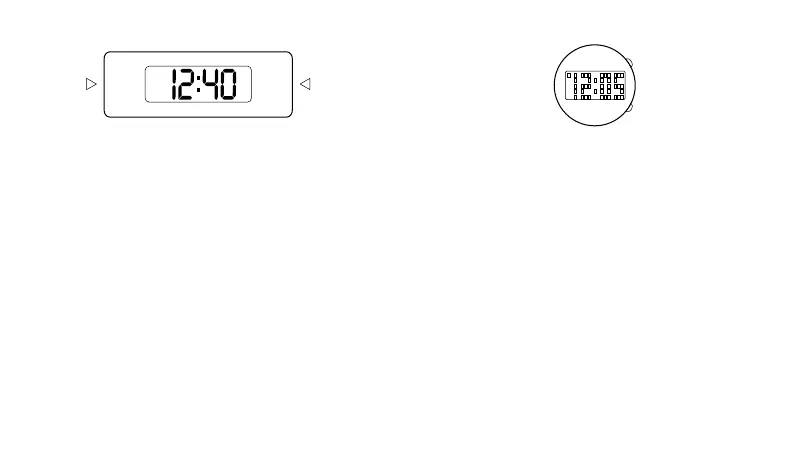
digital fl137d
normal time display
12-hour format
press a once to show date.
press a twice to show second.
press a again to return to normal time display.
12/24-hour display
in normal time display press b once to switch format.
press b again to return to original format.
time and date setting
press and hold b to enter setting mode, and press a for
increment of the blinking digit.
the setting sequence of b will be in the following
sequence:
- 1st press: display the year
- 2nd press: display the month
- 3rd press: display the day
- 4th press: display the hour
- 5th press: display the minute
- the next depressing of the b-switch will return to
normal display mode.
A
B
led digital
time and date mode
1. press a to view time.
note: animation will be displayed for 2 seconds before
time is shown.
2. with time shown, press a to view date.
time setting
1. press a to view time.
2. with time shown, press and hold b for 2 seconds.
3. press a to select 12 or 24 hour format.
4. press b for next setting field.
5. press a to set value.
6. repeat steps 4 and 5 until desired time is reached.
7. press b to exit time setting mode.
date setting mode
1. press a to view time. with time shown, press a again to
view date mode.
2. with time shown, press and hold b for 2 seconds.
3. press a to set value.
4. press b for next setting field.
5. repeat steps 3 and 4 until desired time is reached.
6. press b to exit date setting mode.
A
B
mode
set



 To Next Page