EasyManua.ls Logo

Marconi Instruments 2955 - Page 47

Marconi Instruments 2955
84 pages
Print Icon
To Next Page IconTo Next Page
To Previous Page IconTo Previous Page
Loading...
OPERATION
_
^ 1
irgflwieitKjt ivict
1 t.£Vh£l..«
S«^3
1
'
ett
OC
1
.
ieonrw
(13)
To use the 600 0, dBm accessory,
see
(8).
(14)
To
use
the optional 20 dB anenuator,
connect
the
unit to the
AP
GEN OUT-
PUT
socket
©.
Press
the HELP key
0
and
then
continue
by
following
‘HELP
Key Operation’. When the accessory
iT~seiected, a
reverse
field A is
displayed
and
the displayed
AF
generator
level
is decreased by a
factor
of
10
(20
dB).
Two
tone
operation may be
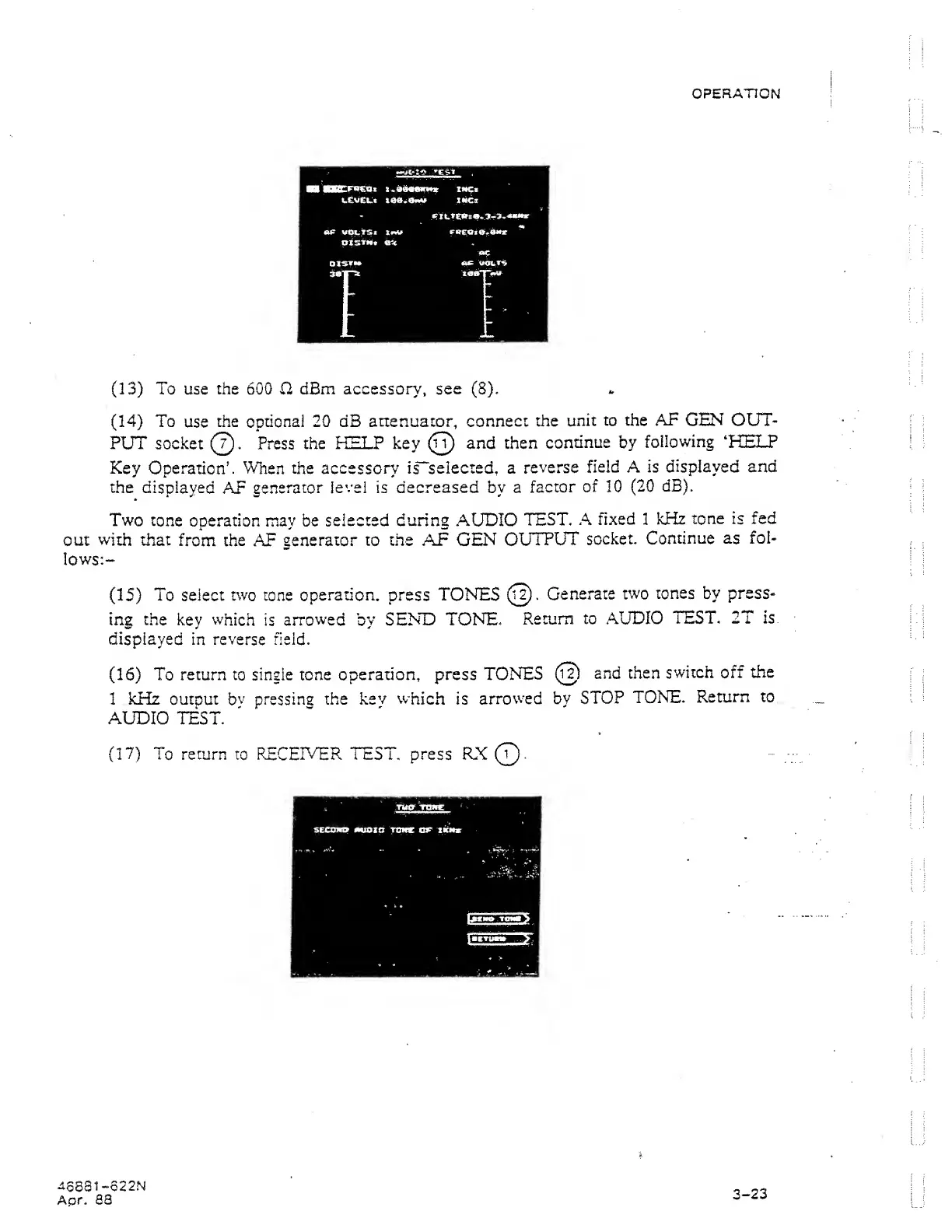
selected during AUDIO
TEST.
A
fixed I kHz
tone
is
fed
out
with
that
from the AF
generator to the
AF
GEN
OUTPUT
socket.
Continue as
fol-
lows:-
(15)
To select
two
tone
operation,
press
TON^S
(Ji).
Generate
two
tones
by
press-
ing the
key which
is
arrowed
by
SENT)
TONE.
Return
to AUDIO
TEST,
2T is
displayed in reverse field.
(16)
To
return
to single tone
operation, press
TONES
(ij)
and
then
switch off the
1 kHz output
bv
pressins
the
kev which
is
arrowed by
STOP
TONE.
Return
to
AUDIO
TEST.
(17)
To
return
to
RECEIVER TEST,
press
RX
Q.
U
68
ai-622
N
Apr. 88
3-23