application functions will not be available. Re-activate
the phone and it will automatically reconnect.
Smart watch operation
Turn on/off
Press and hold the side button to turn on the smart watch;
short press the side button to activate the watch when in
standbymode.
Press and hold the side button to turn off the smart watch.
Charger
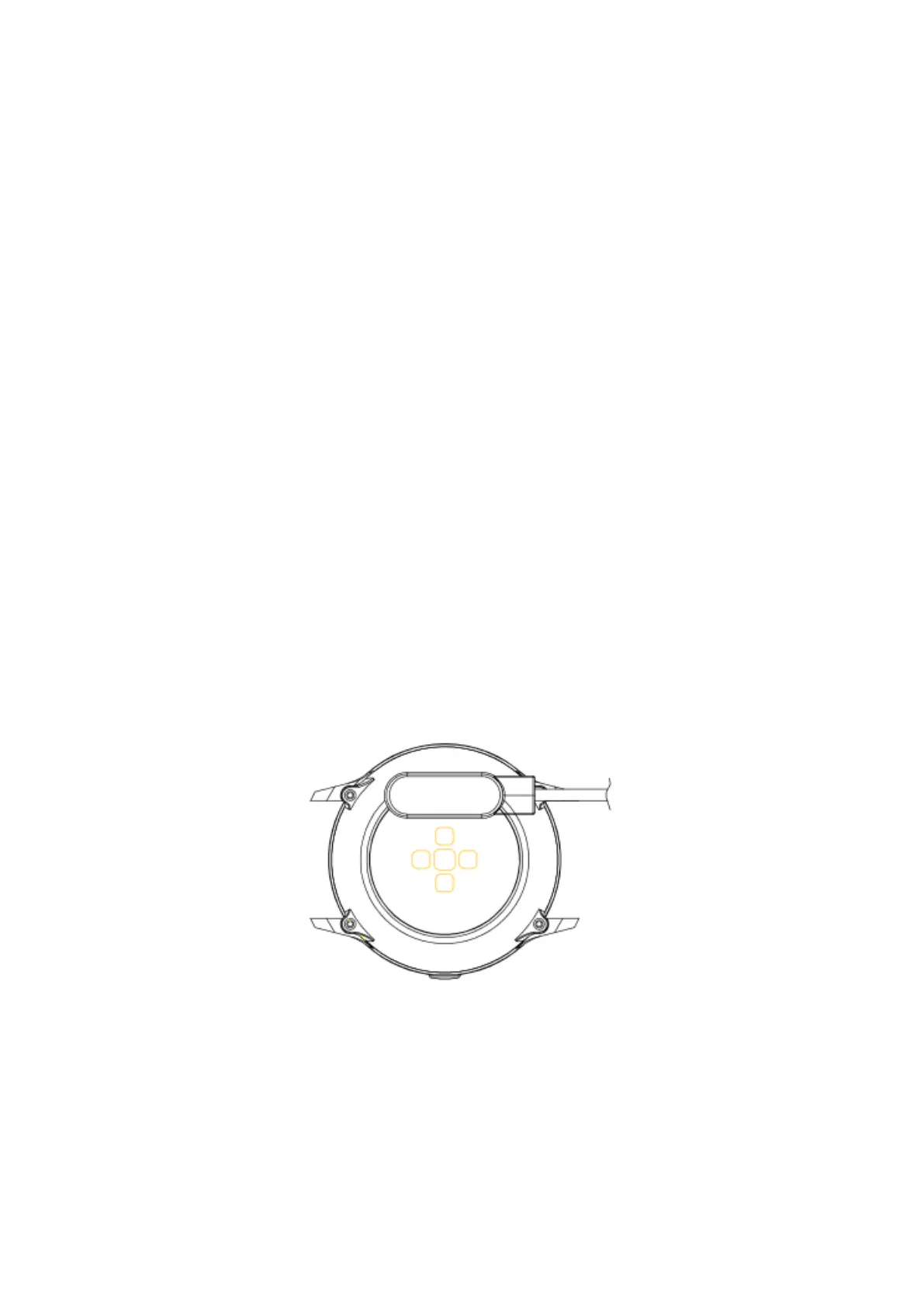
When charging, the charger must contact the charge port
on the back of the case’s watch as shown:
Button and screen operation
From the home screen on the smart watch:



 To Next Page