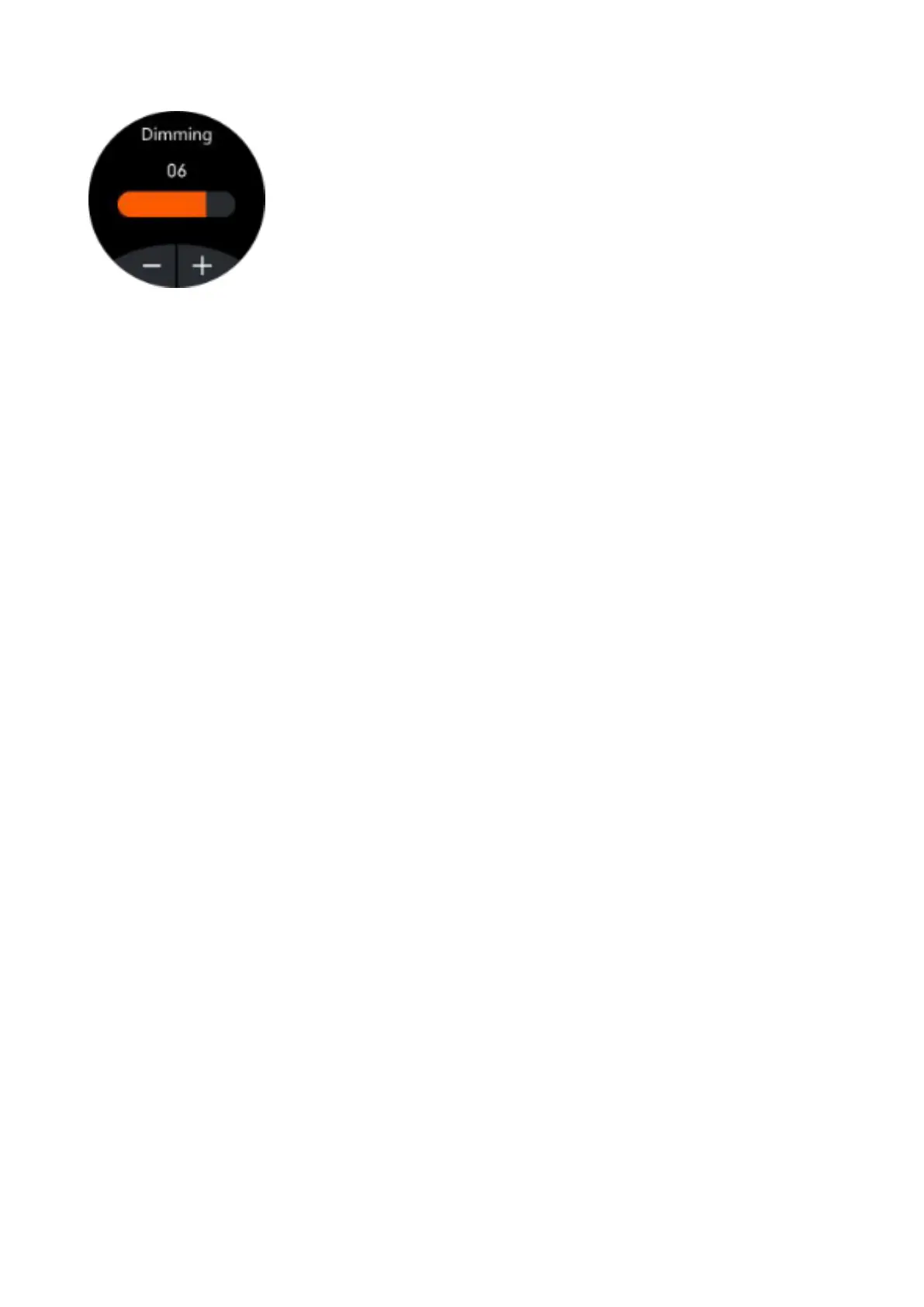
Brightness Control
Click "+" to increase and click "-" to decrease
the brightness of the screen. The brighter it
shines, the more battery it will use.
Main functions on the app (they can only be used if the
smart watch is linked)
Notifications
Activate notifications for each of the apps you want to
receive notifications from on your watch. When the phone
receives incoming calls or new notifications from the
activated apps, these notifications are received on the
smart watch as well. The last 8 messages / notifications can
be viewed in the message interface on the smart watch.
Dial Setting
It includes a wide gallery of home screens that can be
downloaded to the smart watch, as well as the possibility of
customizing your own home screen using an image saved
on the phone (or taking a photo with the phone's camera)
and selecting the font color.
Sedentary reminder
If this function is activated, when you have been in the
same position for a long time, the watch will vibrate and
display the corresponding icon to remind you to get up and
move.



 To Next Page