your phone: open the phone settings - application
management - official application - rights management -
backstage management - select background running. The
setting method may be different due to different mobile
phone versions and models.
For iPhone: if the phone is in standby or hibernation
mode for a long time (for example, the phone has not
been in use for 2 hours or more and the screen is off), the
application will be closed by the iOS system , so the
application and the watch will be disconnected and the
application functions will not be available. Re-activate
the phone and it will automatically reconnect.
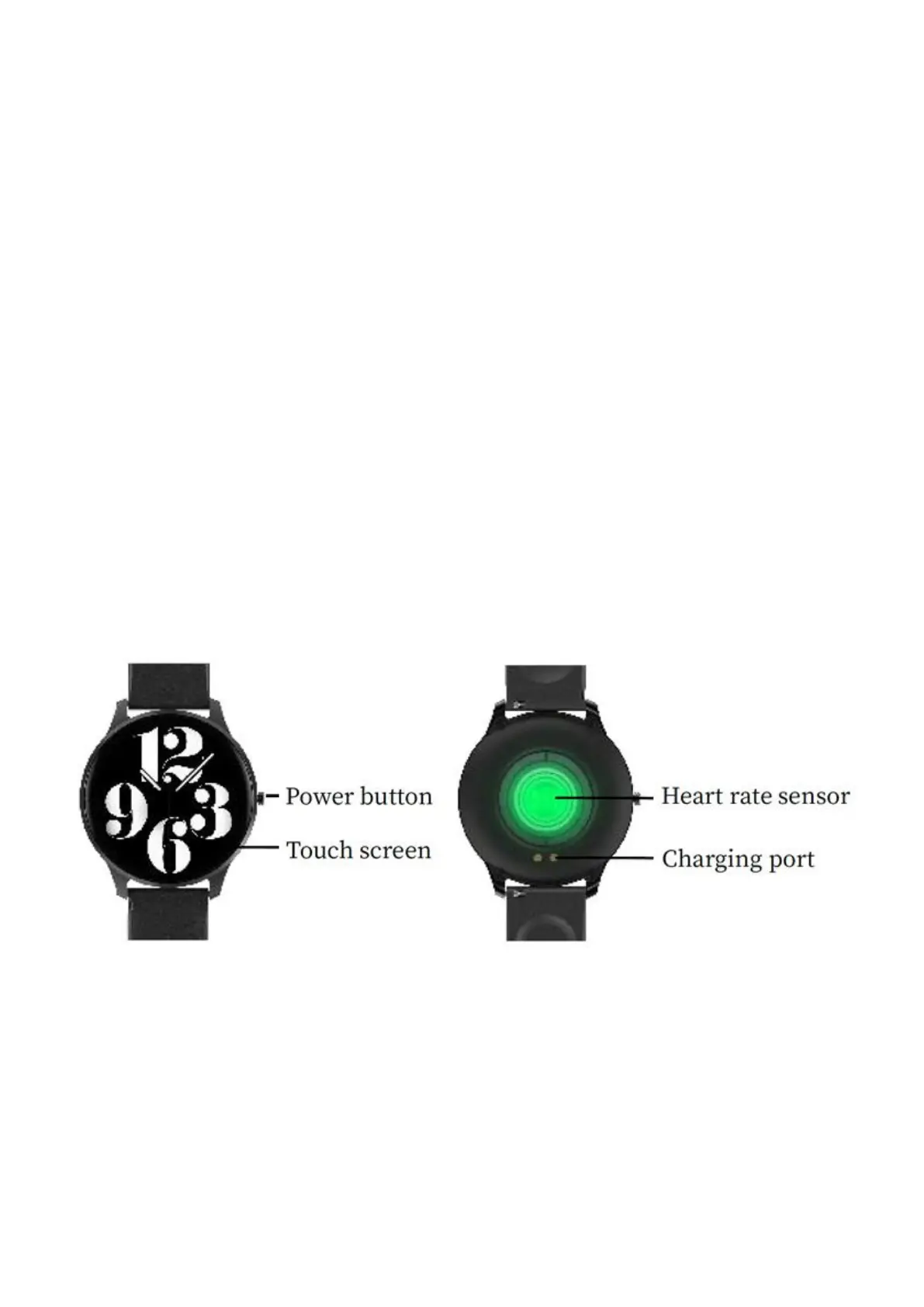
Smart watch operation
Turn on/off
Press and hold the side button for 3 seconds to turn on the
smart watch; short press the side button to activate the
watch when in standbymode.
Press and hold the side button for 3 seconds to turn off the
smart watch.



 To Next Page