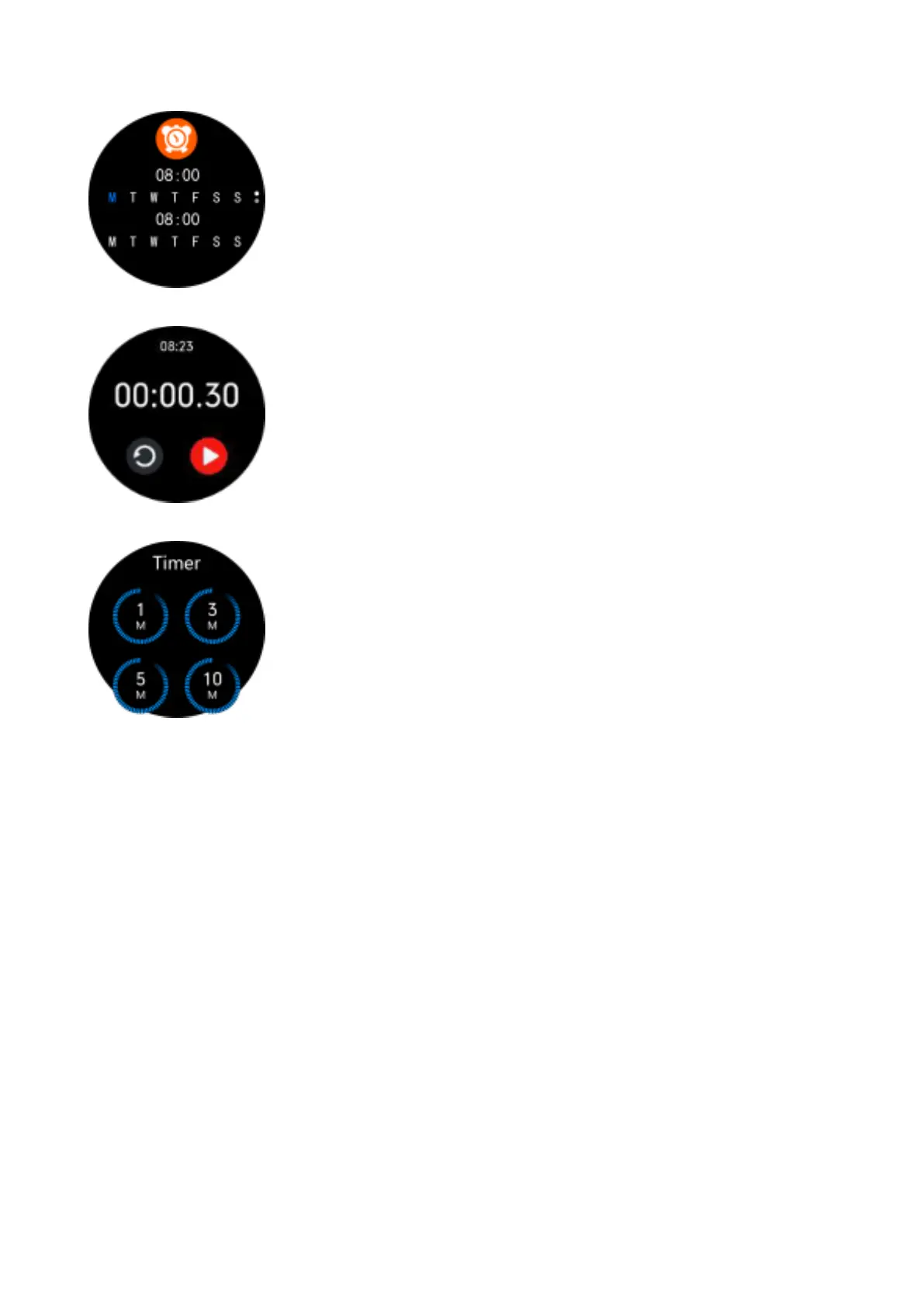
Alarm clock
Displays the alarms that are activated. The
alarms are set and activated on the app.
Stopwatch
Click on the start icon to start the count.
When the time is paused, click the reset icon
to reset to 0.
Timer
Select one of the preset times or click “+” to
select your own time. Click on the start icon
to start the countdown. When the
countdown is paused, click the reset icon to
reset to the original time.
Find phone
The paired phone will ring so you can find it.
The phone and the watch must be linked
and within the Bluetooth range.
Settings:
QR code
Scan the QR code with your phone to
download the app through your app store or
browser.



 To Next Page