Need help?
Do you have a question about the marklin 6021 and is the answer not in the manual?
Prepare the track setup and initiate programming mode by pressing specific buttons.
Modify locomotive settings by entering register numbers and new values using the control unit.
Finalize the parameter adjustment process by pressing the 'Stop' and then the 'Go' buttons.
 General
| Type | Control Unit |
|---|---|
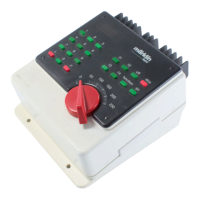
| Manufacturer | Märklin |
| Product Name | 6021 |
| Category | Control Unit |
| Control Type | Digital |
| Digital System | Märklin Digital |
| Compatibility | Märklin Digital |
| Functions | Control of locomotives |
| Connections | Track |
| Output Current | 1A |

 To Next Page