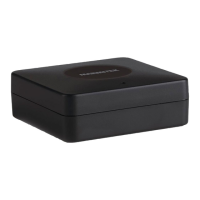
Stream S2 Pro 5
Start Presenting
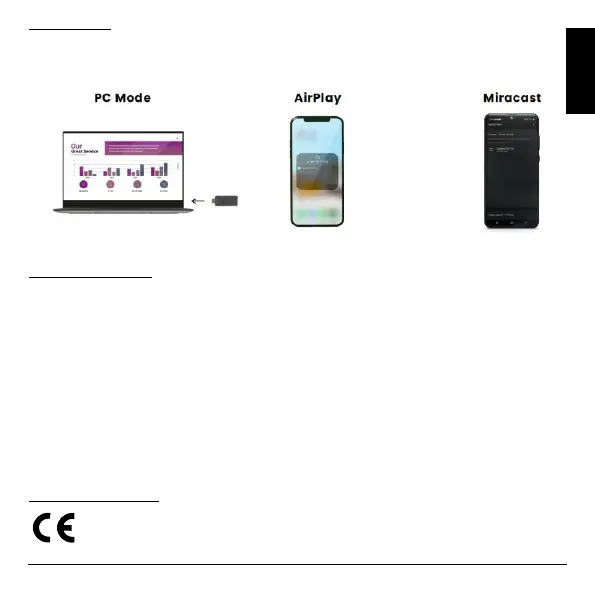
Switch your display or projector ON and wait until the home screen appears on the screen. Follow the instruction
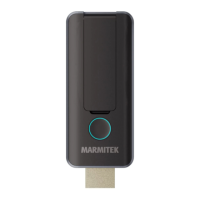
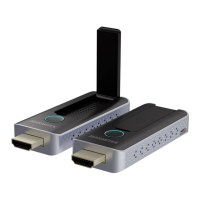
on the screen to connect your PC or laptop by using the Transmitter or simply use the AirPlay or Miracast screen
mirroring function from your smart phone or tablet.
Technical specifications
Video resolution max. 1080p@60Hz
PC resolution max. 1920 x 1080
HDMI standard HDMI 1.4 / HDCP 1.3
Audio formats PCM stereo
Operational frequency IEEE 802.11ac, 5GHz, 2T2R
Authentication Protocol WPA2 (WPAS-PSK / WPA2-
Enterprise)
Security AES 128 bit
Operating range up to 20 meters (line of sight)
Latency < 120 ms
Video compression H.264
Wireless streaming AirPlay, Miracast, DLNA
Multiple transmitters up to 20
Power 5VDC 0.5A
Dimensions 83 x 32 x 13mm
Weight 27.1g
Declaration of Conformity
Hereby, Marmitek BV, declares that the Stream S2 Pro is in compliance with the essential requirements
of the 2014/53/EU Directives. Full Declaration of Conformity is available at
www.marmitek.com/en/declarations-of-conformity/


 To Next Page