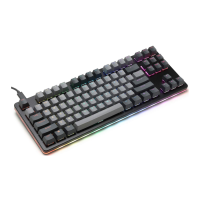
Additional Details on Firmware Flashing
Download the appropriate loader application for your computer's OS here:
https://github.com/Massdrop/mdloader/releases/tag/1.0.3.
Windows users: Download mdloader_windows.exe and applet-flash-samd51j18a.bin
and put them in the same folder.
Linux users: Download mdloader_linux and applet-flash-samd51j18a.bin and put them
in the same folder. chmod u+x mdloader_linux to make it executable.
Mac users: Download mdloader_mac and applet-flash-samd51j18a.bin and put them in
the same folder. If downloading with Safari, mdloader_mac with have a .dms extension
appended to it. This is fine. chmod u+x mdloader_mac to make it executable. (chmod
u+x mdloader_mac.dms if downloaded from Safari)
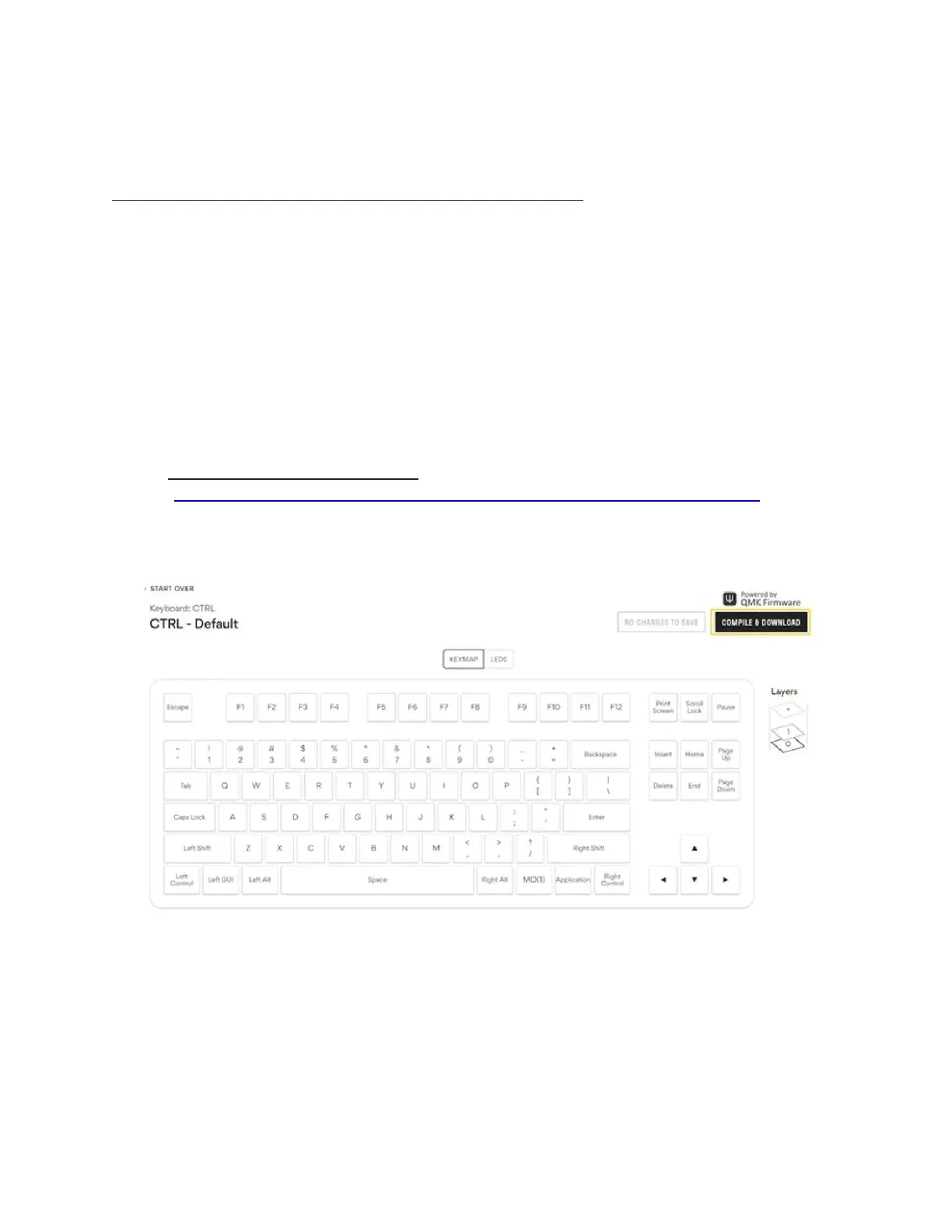
1) Go to the default configuration
(https://drop.com/mechanical-keyboards/configurator/preset/ctrl--default) and
click COMPILE & DOWNLOAD for the default keymap. Otherwise, make your
desired changes before clicking COMPILE & DOWNLOAD.
2) Locate the BIN file generated and downloaded via the configurator


 To Next Page
 Loading...