• Firmware updates • Custom settings • Product support
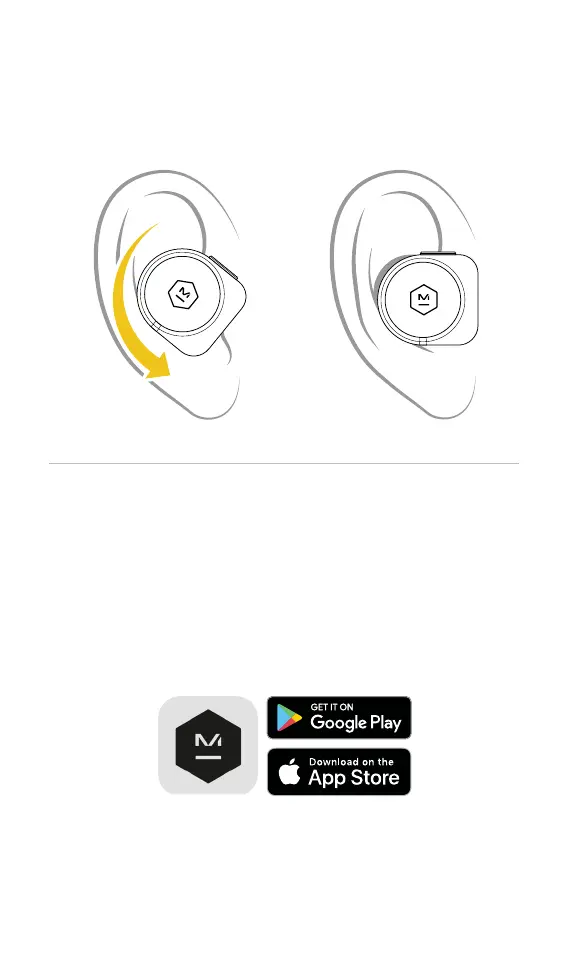
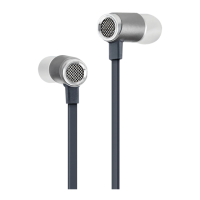
INSERTING YOUR EARPHONES
STEP 1: Tilt the earphone
forward with the ear tip resting
lightly in your ear canal.
STEP 2: Rotate the earphone
down until the ear tip forms a
seal with your ear canal.
M&D CONNECT APP
Download the M&D Connect App for the
complete Master & Dynamic experience.
Use the M&D Connect App to access:
Questions - support@masterdynamic.com
Follow Us - @masterdynamic
www.masterdynamic.com
For more information visit masterdynamic.com/support



 To Next Page