Touch to import rider data.
Touch to exit without importing.
NOTE: The preferred settings for each rider may be shared from
boat to boat by using the USB export and import features. Rider data
isstoredandsharedinaTextFileFormatwiththefollowinglename:
riders.txt.ThelemustbelocatedinaMasterCraftfolderlocatedinthe
rootoftheUSBashdrive.
Importing new rider data for an existing rider name will over-write
the original data stored in the video display gauge for that rider.
Create customized rider data at mastercraft.com/bigscreen/.
RIDER EXPORT DATA
Controller Description
TouchtoscrollUPorDOWN.
Touch to send the selected rider data to the USB
ashdrive.
Touch to exit without exporting.
NOTE: The preferred setting for each rider may be shared by using
the USB export and import feature. Rider data is stored and shared in a
TextFileFormatwiththefollowinglename:riders.txt.
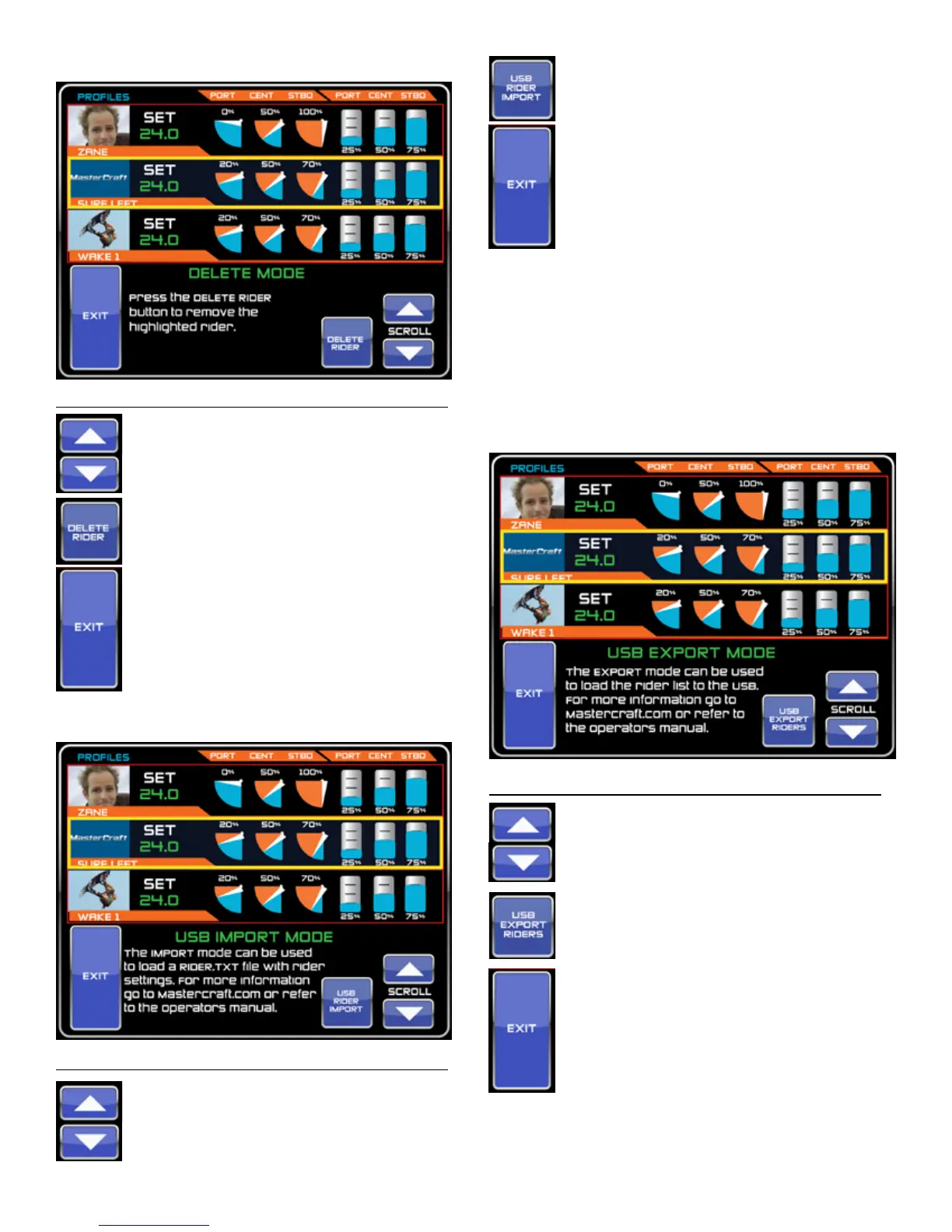
DELETE RIDER SCREEN
Controller Description
Touch to scroll through the list of available riders.
Touchtodeletetheselected(highlighted)rider
and all associated settings from the QUICK LIST.
Touch to exit without deleting the rider
information and go to the QUICK LIST Screen.
RIDER IMPORT MODE
Controller Description
TouchtoscrollUPorDOWN.
MasterCraft 2012 Owners Manual • Guide to Individual Models • Page 2-59



 To Next Page