M A S T E R C R A F T P R O S T A R
2014 MasterCraft Owners Manual • ProStar Supplement Page 9-13
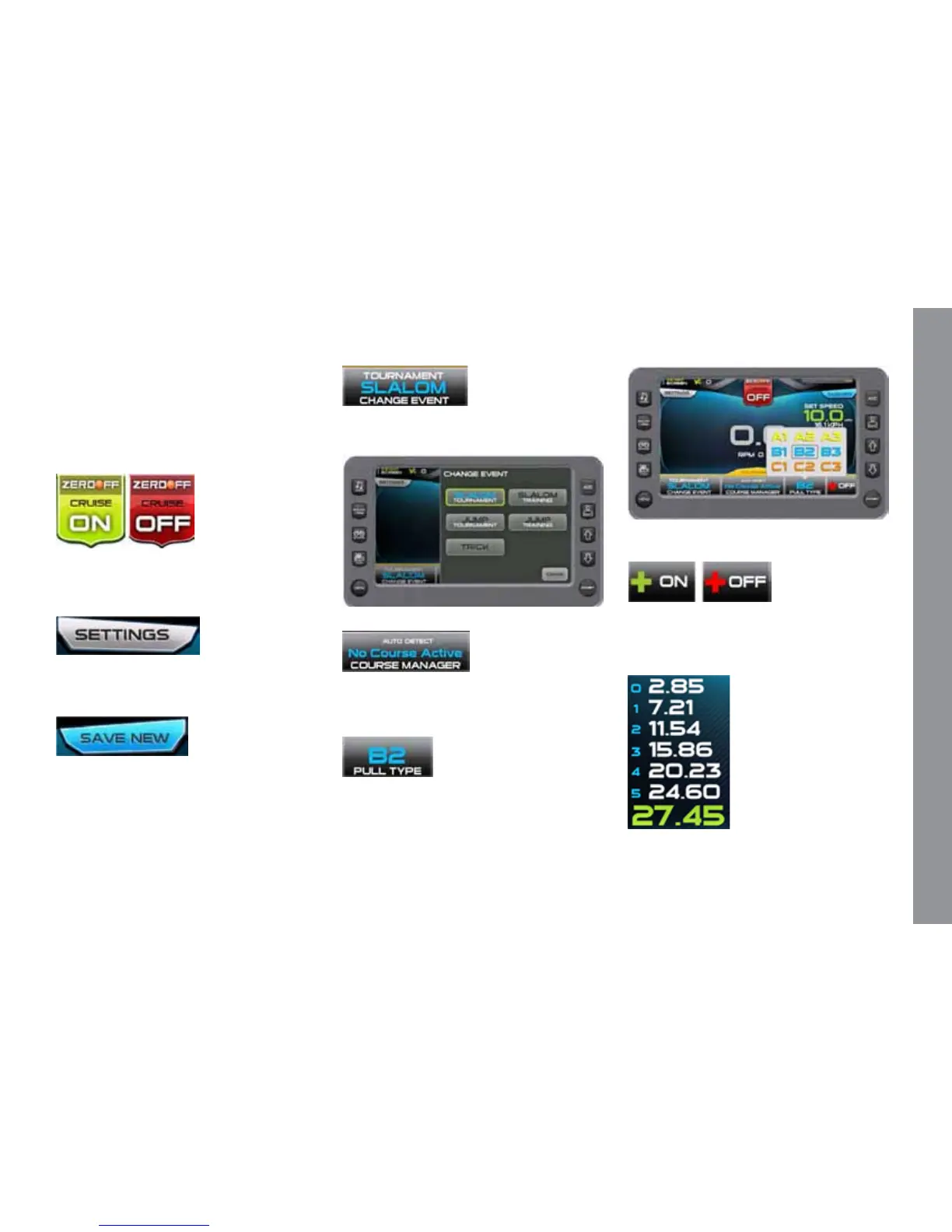
Touch Commands aid in setting up, con-
trolling and tracking the Slalom event.
Touch Commands
Description
Cruise - Touch to turn cruise control
ON or OFF. (or press the Quick Access Key
from this screen.)
Settings – Select to set the Buzzer Vol-
ume, Prop Type, Timing Recap, and Slalom
wait time. See Slalom Tournament Settings.
Save New – Select to setup a new rider
prole. See Proles.
Change Event – Touch to select an event
from a list.
Course Manager – Allows you to map a
course. See Course Manager.
Pull Type –Touch to select a pull type
from a list.
Plus-Factor - Touch to select ON or OFF
from the pop-up. is setting is for addi-
tional throttle when entering the rst gate.
Event Times -Display the event times as
the skier passes the mapped points. (Touch


 To Next Page