2
MI Measurement
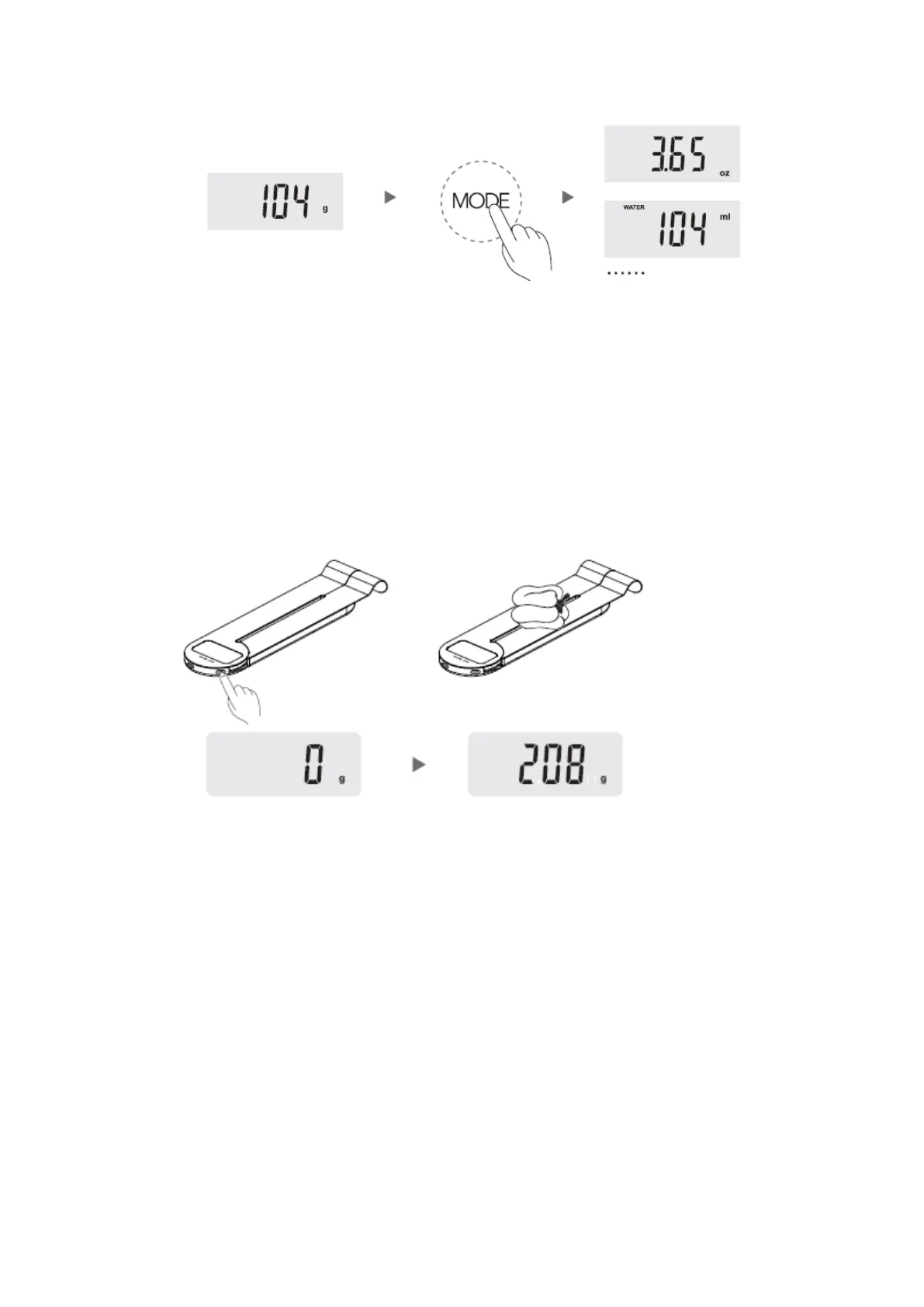
Put a container on the platform, press “TARE” to clear the weight of container.
Then put water or milk into it, press “MODE” till ml to check the volume.
Operation >>>
Weighing
Step 1: place the scale on a hard & flat surface.
Step 2: press “ TARE” once, the LCD display will show zero.
Step 3: put the food on the platform, the weight will be displayed.
Tare function
Step 1: put the container on the platform, the LCD display will show the weight of the
container.
Step 2: Press “TARE” to clear the weight of the container (reset to zero). Then put the
food into the container, the LCD display will show the weight of food only. Repeat press
“TARE” to weight more different foods.
Step 3: The LCD display will show the negative value of container if you remove the
food and container from the platform together. Please press “TARE” again, the display
will show zero in 2 seconds.


 To Next Page