BACK
RESET
TRY ME PULL TAB
VOLUME
A PIXILLION
™
games we can play while babysitting!
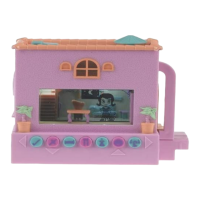
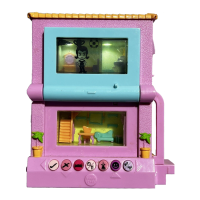
Your new neighbor has the cutest little baby. And she has asked you
to baby sit! What fun, and you get to earn some money too! But
make sure you watch the baby closely! She may get into mischief!
What you earn depends on how happy the baby is when her mom
returns home. And what if something goes wrong while you are
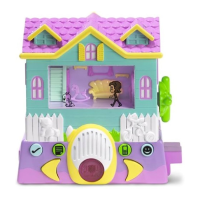
babysitting? Will you know what to do to fix it? Play Pixel Chix™
Babysitter and see!
When the unit is turned on for the first time, the mom will be on the screen, and the doorbell will
ring. Turn to the living room if that room is not already showing. The mom will greet the Pixel Chix
™
Gal and they will talk. The mom leaves and the Pixel Chix
™
Gal has a job to do!
GO AHEAD AND PUSH MY BUTTONS!
SECRET CODES
You can buy Secret Codes for a fun secret animation! There is one code for each room. To
buy a Secret Code, press the cell phone button, then the buy game icon, then the secret code
icon and receive several symbols. Go to the web site (http://www.pixelchix.com), enter the
symbols and receive a button combination to use on your Pixel Chix™ Babysitter unit.
(Codes are stored in the book status screen, 3rd page.)
The mom has left. Now what?
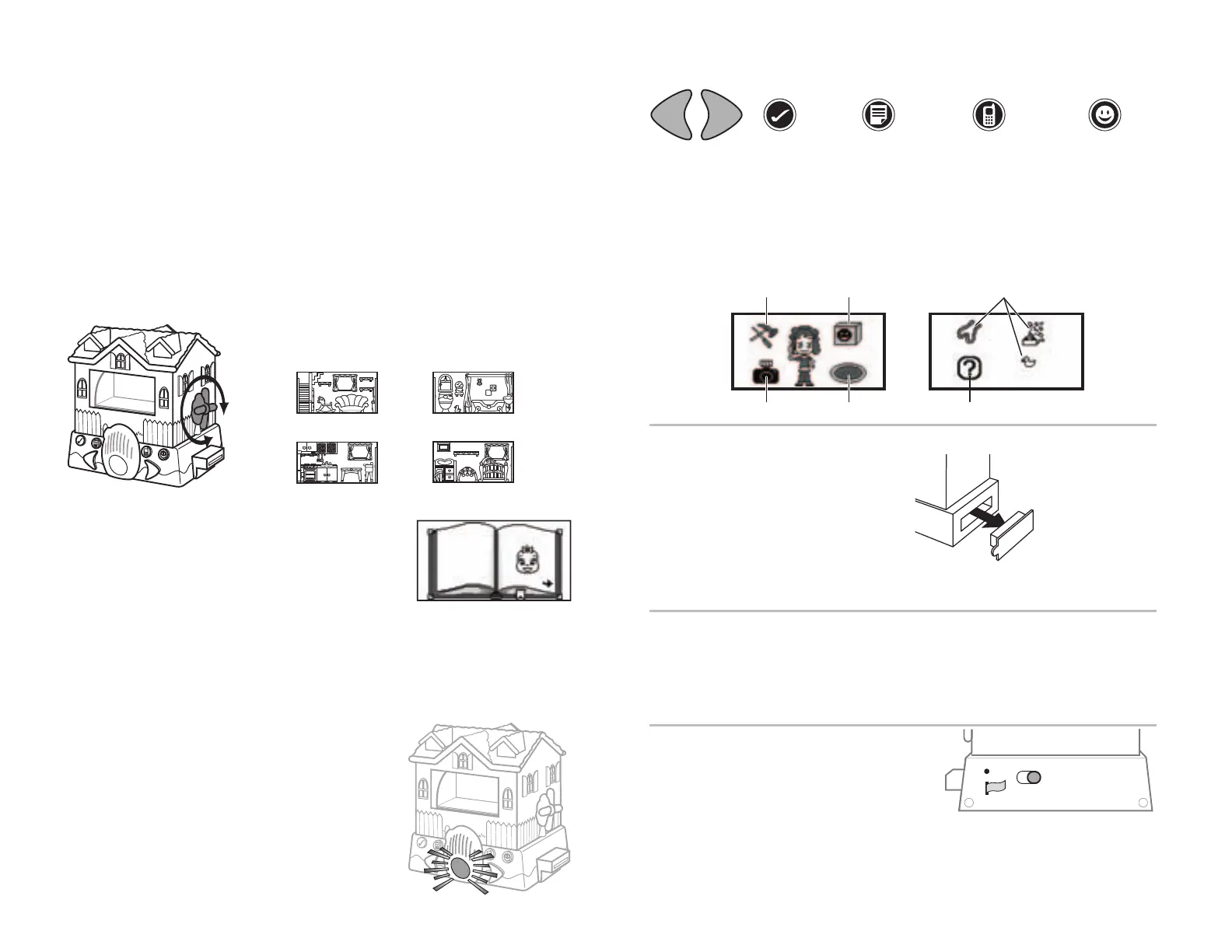
What room is the baby in? Turn the knob on the right
side to change the room. There are 4 rooms:
Remove cover first, then connect the units.
Do not put fingers into ports as this
may reset game.
TROUBLESHOOTING
TRY ME PULL-TAB
The pull-tab in the Try Me slot should be automatically
removed when toy is taken out of the package. If not,
simply remove the pull-tab before playing.
RESET BUTTON
Reset product to start a fresh game. Ask an adult to insert a metal tip, such as a bent paper clip, into the
hole.
When exposed to an electrostatic source, the product may malfunction and suffer memory loss. Reset
the product if this occurs.
NOTE: Holding down the YES button for 3 seconds powers down the unit.
ARROWS on the
right and left side of
the red light. These
are used to move
characters, selection
arrows, menu items,
etc. Press YES to
select what you have
chosen.
YES
Use to select an
item in a menu.
MENU
Use to bring up
arrows. Use the BIG
ARROWS to scroll
through the screen
arrows. Press YES to
select. An
animation or game
happens when an
item is chosen.
CELL PHONE
Use to call the
handyman for repair.
He shows up in the
correct room. Also use
to call for ordering
food (i.e. pizza), games
to buy, things to keep
the baby happy, or to
take fun snap shots.
GAMES
This brings up
games that are
available.
NOTE: The buttons have different functions while playing games.
Examples
of icons
How happy is the baby?
The baby has 3 different happiness levels. You can view the
happiness level on the book status screen. In the living room,
press the menu button, then select the bookshelf . Turn the
pages to see the amount of money you have as well as any
secret codes you have bought.
How do you keep the baby happy?
You can get food (choose something the baby likes!) and play games. When you’ve
successfully completed 3 games, the baby’s happiness goes up. You can also get secret
codes for the Pixel Chix™ web site (see the secret code section).
When mom comes home, the amount of money she pays you depends on how happy
the baby is.
Oh no! The red light is on!
This means that something is going on in another room.
Turn the knob to find the right room, and the red light goes
off when the right room is reached.
Is something wrong in that room? Do you need to call a
handyman? Has the baby gotten into some mischief? Find
the baby!
You can’t play any games in that room until the repair is
complete.
When Babysitter is connected to House,
Mall, or Duplex, press GAMES on one unit and
a Pixel Chix™ gal will come over to that unit.
Connect to a Car, press any button on the car,
and the gal goes into the car.
When Babysitter is connected to another Baby Care, a 2nd baby shows up!
Hair color of gals may change when moving from one device to another.
House, Car, Duplex, and Mall sold separately, subject to availability. Colors and decorations may vary.
CONNECT TO OTHER PIXEL CHIX
™
PRODUCTS.
living room
kitchen
bathroom
nursery
Call handyman Buy game
Buy game
Take picture Order food Buy secret code


 To Previous Page
 Loading...